
Overheating is one of the quietest and most destructive forces working against your home electronics every single day. It doesn’t announce itself until something fails. By the time your television shuts down unexpectedly, your amplifier starts distorting, or your set-top box restarts on its own, the damage has often already been building for weeks or months.
The Sunshine Coast climate makes this more relevant than most Australians realise. Warm summers, high humidity, and in coastal areas, salt air, create conditions that push home electronics harder than they’re designed to handle. The good news is that the majority of overheating damage is entirely preventable with the right habits in place before problems develop.
At Brocky’s Electronics, we repair heat-damaged televisions, amplifiers, digital pianos, and audio equipment across the Sunshine Coast regularly. Here’s exactly what causes home electronics to overheat and what to do about it.
Why Overheating Is So Damaging
Heat doesn’t just cause shutdowns. It degrades components progressively over time, long before any visible fault appears. Capacitors dry out, solder joints develop micro-cracks, thermal paste loses conductivity, and circuit board traces weaken, all as a direct result of sustained operating temperatures above design limits.
The damage is cumulative. A device that runs slightly too hot every day for two years will fail significantly earlier than one that operates within its thermal envelope consistently. Preventing overheating isn’t just about avoiding shutdowns, it’s about protecting the full service life of every device in your home.
The Most Common Causes of Overheating in Home Electronics
1. Blocked Ventilation
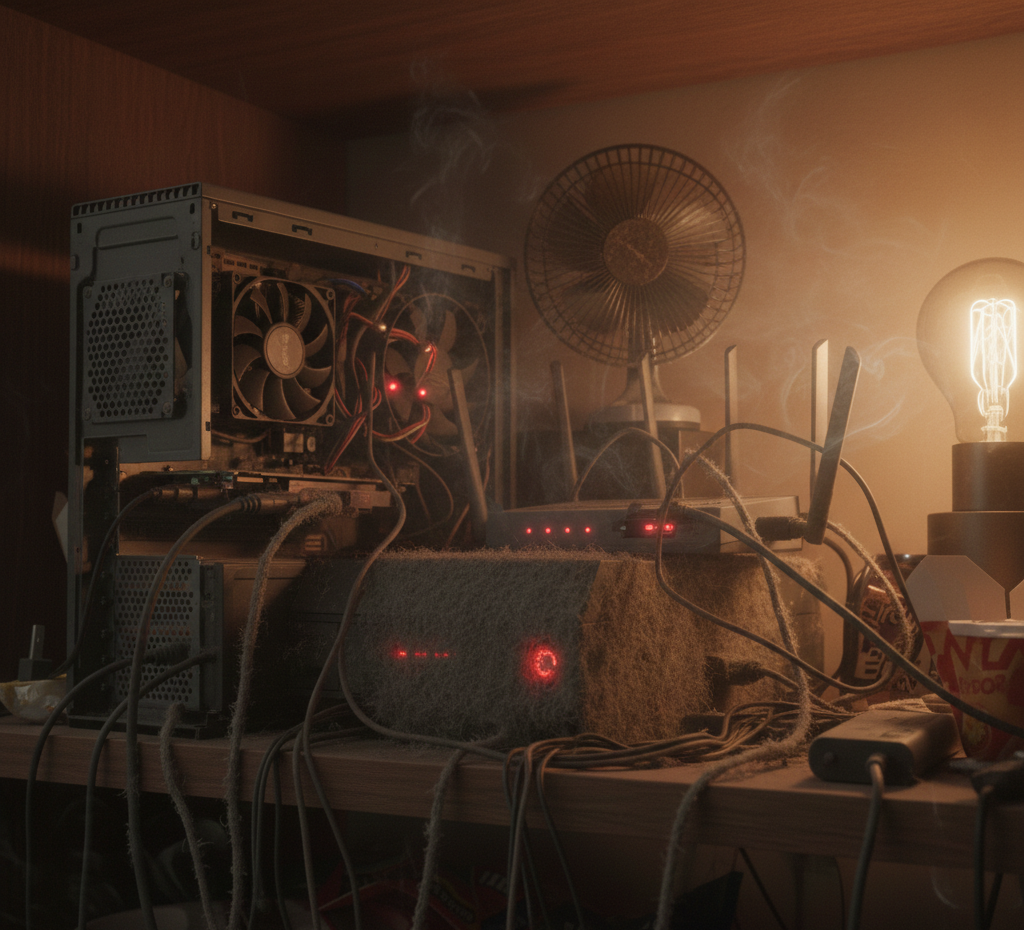
This is the leading cause of overheating in home electronics, and it’s the most avoidable. Every television, amplifier, gaming console, and set-top box relies on airflow through vents to dissipate heat generated during operation. Block those vents and heat has nowhere to go.
What causes blocked ventilation:
- Equipment placed inside enclosed entertainment cabinets with no airflow
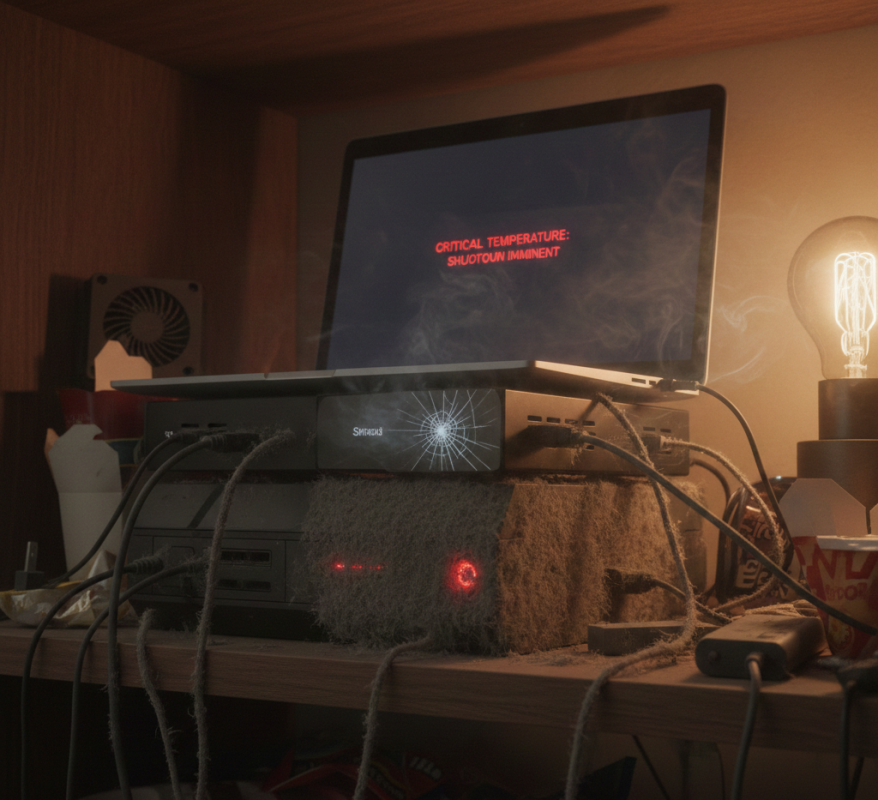
- Devices stacked directly on top of each other
- Equipment pushed flush against walls or other surfaces
- Cables draped across ventilation openings
What to do:
- Maintain at least 10 to 15 centimetres of clearance around all sides of heat-generating equipment
- Use open-frame shelving rather than enclosed cabinets for amplifiers, set-top boxes, and media players
- Never stack heat-generating devices directly on top of each other
- Route cables away from ventilation openings
2. Dust Buildup Inside the Device
Dust accumulation inside home electronics is one of the most damaging maintenance oversights Australian households make. Dust acts as an insulating blanket over heat-sensitive components, trapping heat and forcing cooling fans to work harder than designed. Over time, compacted dust in fan blades reduces airflow to critical areas entirely.
Signs dust is affecting your device:
- Fans running louder or more frequently than they used to
- The device running noticeably hotter to the touch
- Unexpected shutdowns during extended use
- Performance throttling in gaming consoles and media players
What to do:
- Clean external vents with compressed air every six to twelve months
- In homes with pets or carpet, increase cleaning frequency to every three to four months
- Keep equipment elevated off carpeted floors where dust is drawn upward through vents
- Have older equipment professionally cleaned internally where external cleaning isn’t sufficient
3. The Sunshine Coast’s Climate and Coastal Environment
The Sunshine Coast’s warm summers and coastal humidity create a more demanding thermal environment for home electronics than most manufacturer specifications account for. Devices designed for average indoor temperatures of 20 to 25 degrees Celsius struggle in rooms that regularly reach 30 degrees or more during Queensland summers.
Salt air in homes close to the coast compounds the problem by accelerating corrosion on internal metal contacts, connectors, and circuit board traces, reducing the efficiency of cooling components over time.
What to do:
- Use air conditioning or a fan in rooms where heat-generating equipment runs for extended periods during summer
- Keep equipment out of direct sunlight and away from north-facing windows that receive strong afternoon sun
- In coastal homes, have connectors and internal contacts inspected periodically for early corrosion
- Store equipment in climate-controlled rooms rather than garages or unventilated spaces
For a detailed look at how Sunshine Coast’s climate specifically affects electronics, how heat and humidity affect home electronics covers the environmental factors in full.
According to the Electrical Equipment Safety Scheme (EESS), electrical equipment should always be installed, used, and maintained according to safety guidelines to reduce risks associated with heat and electrical faults.
4. Degraded Internal Cooling Components
Over time, the components responsible for keeping home electronics cool degrade regardless of how well the device is maintained externally. Cooling fans wear out, thermal paste between processors and heatsinks dries up and loses conductivity, and heatsinks become clogged with compacted dust that external cleaning can’t reach.
Signs of degraded internal cooling:
- The device runs significantly hotter than it did when newer
- Fans make grinding, rattling, or intermittent noises
- Unexpected shutdowns that become more frequent over time
- Performance that was previously stable now fluctuates
Fan replacement and thermal paste renewal are routine repairs for a qualified technician. Addressing these early prevents the kind of cascading component failure that turns a simple repair into a costly one.
5. Incorrect Placement and Room Environment
Where you place your home electronics within a room has a direct impact on how hard they have to work to stay cool. A device positioned in a corner with restricted air circulation, near a heat source, or in a room that regularly gets uncomfortably warm is operating under more thermal stress than the same device in a cooler, better-ventilated location.
What to do:
- Position heat-generating equipment in the coolest, most ventilated area of the room
- Keep amplifiers and televisions away from kitchen areas where cooking heat and steam accumulate
- Avoid placing equipment near heating vents, fireplaces, or west-facing windows that receive afternoon sun
- In home theatre setups, ensure the room itself has adequate ventilation, not just the individual devices
As noted in how electronic components respond to thermal stress, every degree of reduction in average operating temperature has a measurable positive effect on component lifespan, making placement decisions more significant than most homeowners appreciate.
6. Power Supply Issues Contributing to Heat
A failing or undersized power supply generates excess heat as it works harder than it should to deliver stable voltage to internal components. This is a common and often overlooked contributor to overheating in older home electronics and in devices where a non-genuine power adapter has been substituted.
What to check:
- Always use the manufacturer-specified power adapter for any device that uses an external supply
- If a power supply or adapter feels unusually hot to the touch under normal operating conditions, have it assessed
- Devices that shut down more frequently during warmer months may have a marginal power supply that’s no longer coping with seasonal temperature increases
When to Stop and Call a Professional
Some overheating issues are straightforward to address at home. These are clear signs your home electronics need professional attention:
- The device shuts down immediately or within minutes of being powered on
- Internal fans are making abnormal grinding or rattling noises
- You can smell burning or see discolouration near ventilation openings
- The device has been running hot for weeks without improvement
- Performance has degraded progressively alongside the heat symptoms
At Brocky’s Electronics, we handle heat-related repairs across televisions, amplifiers, and audio equipment regularly. If your setup includes a digital piano, digital piano repair on the Sunshine Coast covers heat-related faults alongside all other internal repair work.
Why Sunshine Coast Locals Trust Brocky’s Electronics
We’re a local workshop, not a mail-away repair centre. When you bring your home electronics to us, a qualified technician with real hands-on experience assesses the device honestly and explains the repair options clearly before any work begins.
Here’s what you get with every service at Brocky’s Electronics:
- Experienced technicians across all major brands and device types
- Honest advice, we’ll tell you if prevention is all that’s needed
- Fast turnaround, because we know you need your equipment working
- Genuine replacement parts wherever possible
- Transparent, upfront pricing with no surprises
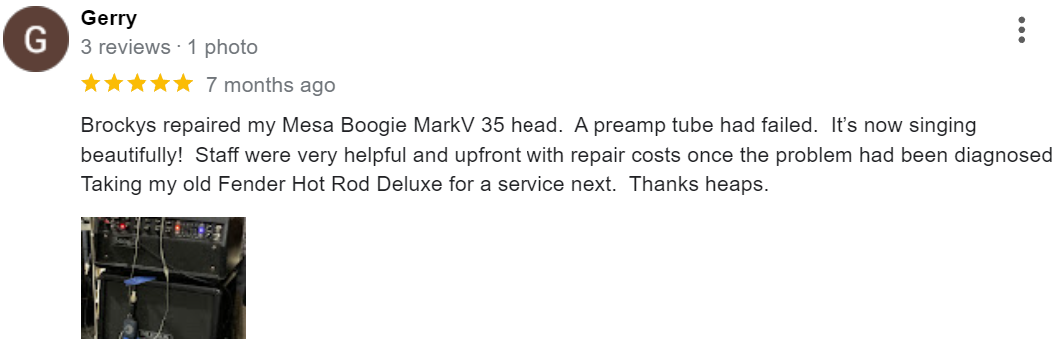
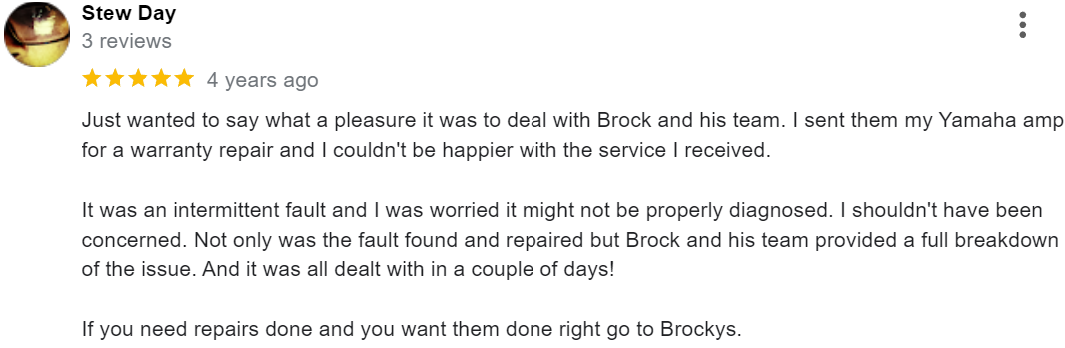
We’ll let the locals we’ve helped do the talking.
Protect Your Home Electronics Before It’s Too Late
Don’t wait for an unexpected shutdown to take overheating seriously. Whether it’s a professional internal clean, a cooling component replacement, or a full repair, the team at Brocky’s Electronics is ready to help.
From overheating prevention and repairs across home electronics to televisions, amplifiers, and digital pianos, you can find everything we do at Brocky’s Electronics.
Contact Brocky’s Electronics today and we’ll have your equipment assessed and running safely as soon as possible.
FAQs
1. How do I know if my home electronics are overheating?
Unexpected shutdowns, fans running louder than usual, the device hot to the touch, and performance throttling are the most common signs. Any of these warrants investigation before permanent damage occurs.
2. How often should I clean the vents on my home electronics?
Every 6 to 12 months for most households, more frequently in homes with pets, carpet, or coastal environments. Compressed air on external vents takes minutes and makes a measurable difference.
3. Does the Sunshine Coast climate make overheating more likely?
Yes. Warm summers, high humidity, and coastal salt air all place additional thermal stress on home electronics compared to cooler, drier inland environments.
4. Can overheating permanently damage my electronics?
Yes. Sustained high temperatures degrade capacitors, crack solder joints, and warp circuit boards in ways that are often irreversible without component-level repair.
5. Is it safe to put home electronics inside an enclosed cabinet?
Only if the cabinet has proper ventilation built in. Enclosed entertainment units without airflow are one of the most common causes of overheating we see on the Sunshine Coast.