
One moment everything is fine. The next, your television is completely unresponsive, showing a black screen, or behaving in a way that makes no sense. When your TV not working situation hits without warning, it’s easy to assume the worst. But in many cases, the fault is more specific and more fixable than it first appears, and a few targeted checks at home can tell you a great deal before a technician needs to be involved.
At Brocky’s Electronics, TV repair on the Sunshine Coast is one of our most frequently requested services. We see the same fault patterns come through regularly across all major brands. Here’s a comprehensive, honest guide to what causes a TV not working situation and exactly what to do about each one.
Start Here: What Is the TV Actually Doing?
The most useful diagnostic information comes from observing exactly how your TV not working situation presents. The symptoms tell you a great deal about where the fault lies before anything is opened or replaced.
Key observations to make:
- Is there a standby light? A red or amber light means the TV is receiving power
- Is there sound but no picture, or no sound and no picture?
- Does the TV briefly show the manufacturer logo before going dark?
- Does the remote trigger any response at all?
- Did the fault happen suddenly or develop gradually?
Each of these answers points to a different part of the television and a different set of likely causes.
The Most Common Causes of a TV Not Working
1. No Power at All No Standby Light
When a TV not working situation presents with absolutely no standby light and no response to any input, the fault is in the power circuit.
What to check:
- Confirm the power cord is firmly seated at both the TV and the wall outlet
- Test the wall outlet with a different device to rule out a tripped circuit or faulty socket
- Check whether the surge protector or power board has tripped and needs resetting
- Unplug the TV from the wall, wait 60 full seconds, and plug it back in directly without the power board
If there is still no standby light after these checks, the fault is internal. The most common causes are a failed power supply board, a blown internal fuse, or failing capacitors that can no longer hold the voltage the circuit requires.
2. Standby Light On But TV Won’t Start
A TV not working situation where the standby light is present but the television won’t respond to power commands is a different fault to a complete power failure. It means the TV is receiving power but something is preventing the startup sequence from completing.
What to try:
- Press the physical power button on the television itself rather than the remote
- Disconnect all external devices including HDMI sources, USB drives, and set-top boxes, then try powering on with nothing connected
- Hold the physical power button for 10 to 15 seconds to force a soft reset
- Check whether the TV briefly shows its logo before shutting back down, which points to a main board or backlight driver issue
If the television starts briefly and then switches itself off again, a thermal protection circuit may be shutting it down due to overheating, or the backlight driver is failing during startup.
3. Black Screen With Sound Still Working
A TV not working visually while audio continues is one of the most encouraging fault types from a repair perspective. It almost always indicates a backlight failure rather than a panel fault, which is a significantly more cost-effective repair.
How to confirm it’s a backlight fault:
- In a darkened room, shine a torch at an angle directly against the screen
- If you can faintly see the picture, the panel is intact and the backlights have failed
- If the TV shows its startup logo for a moment before the screen goes dark, the backlights are almost certainly the fault
Backlight repairs, which involve replacing the LED strips inside the panel assembly, are one of the most common TV repair on the Sunshine Coast jobs we carry out at Brocky’s Electronics across all major brands.
4. TV Not Working After a Power Surge or Storm
The Sunshine Coast experiences regular electrical storms, and a TV not working after a storm or local power outage is a scenario we see frequently. A surge can damage internal components without any visible external signs, and the damage may not manifest immediately.
What to check:
- Confirm the wall outlet and power board are functioning after the event
- Note whether other devices on the same circuit were affected
- Check whether the television was plugged into a surge-protected board or directly into the wall
Surge damage can affect the power supply board, the main board, or both simultaneously. If your television was unprotected during a surge event and is now showing any of the symptoms above, professional assessment is the right next step before any further DIY attempts.
Prevention going forward:
- Use a quality surge-protected power board rated for audio-visual equipment
- Unplug high-value electronics during electrical storms where practical
- Consider a whole-home surge protection device if your Sunshine Coast property experiences regular power fluctuations
5. TV Not Working After a Software or Firmware Update
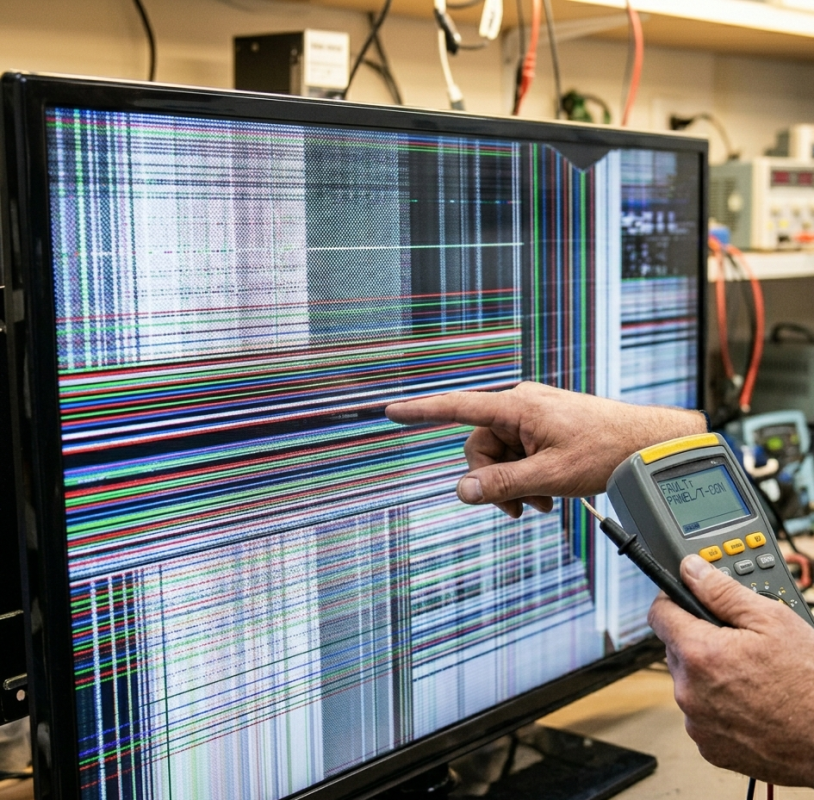
A TV not working immediately after a firmware update is a less common but distinctly frustrating situation. A failed or interrupted update can leave the TV’s operating system in an unbootable state.
What to try:
- Hold the physical power button for 10 to 15 seconds to force a factory reset
- Check the manufacturer’s support page for a manual firmware recovery process using a USB drive
- Some brands offer a recovery mode accessible by holding specific button combinations at startup
If factory reset and USB recovery don’t restore normal operation, the main board’s internal storage may have been corrupted and needs professional repair or replacement.
6. Remote Control Not Working With the TV
A TV not working situation that turns out to be a remote control fault rather than a television fault is more common than most people expect.
What to try:
- Press the physical power button on the TV itself to confirm the television is functioning
- Replace the remote batteries with fresh ones even if the remote indicator light still shows
- Remove the batteries, hold the power button for 15 seconds, then reinsert them
- Use the manufacturer’s smartphone app as a temporary remote to confirm whether the issue is the remote or the TV’s IR sensor
If the TV responds to the physical button or smartphone app but not the remote, the remote needs replacing rather than the television.
7. Intermittent Faults Before a Complete Failure
A TV not working completely is frequently preceded by weeks or months of intermittent symptoms that were easy to dismiss. Recognising these early warning signs and addressing them prevents a repairable fault from becoming a more expensive one.
Common early warning signs:
- The TV taking noticeably longer to turn on than it used to
- Occasional unexpected shutdowns during normal viewing
- A brief flicker or dimming of the backlight that resolves on its own
- Clicking sounds from inside the TV during startup
- Picture quality that varies between cold startup and after the TV has warmed up
These symptoms almost always point to failing capacitors in the power supply or a backlight driver that’s struggling, both of which are repairable before they cause complete failure.
For situations where a television has already stopped working entirely, TV stops working causes and checks covers the diagnostic steps for complete failure in full.
As covered in how LCD and LED television panels and power circuits are constructed, modern television power supplies rely on electrolytic capacitors that degrade over time, making them one of the most common causes of gradual and sudden TV failure in consumer electronics.
For further reference on evaluating TV faults and repairability across major brands, RTINGS’ TV troubleshooting resource provides detailed technical guidance for Australian TV owners making a repair decision.
Is Your TV Worth Repairing?
When your TV not working situation needs professional attention, the repair versus replacement question depends on several factors a professional assessment can answer clearly.
Repair is generally worth it when:
- The fault is in the power supply board, backlight, or main board rather than the panel itself
- The television is a quality brand under six to eight years old
- The screen size means replacement cost significantly exceeds repair cost
- Genuine replacement parts are available for your model
Replacement may make more sense when:
- The LCD or OLED panel itself has physically failed
- The TV is an older entry-level model with a low replacement cost
- Multiple components have failed simultaneously following surge damage
For TV repair across all major brands, TV repair on the Sunshine Coast covers the full range of makes and models including Samsung, LG, Hisense, TCL, and Panasonic across LED, OLED, and QLED technologies.
For Sony televisions specifically, Sony TV repair on the Sunshine Coast covers model-specific fault patterns and repair options across Sony’s full LED and OLED range.
Why Sunshine Coast Locals Trust Brocky’s Electronics for TV Repair
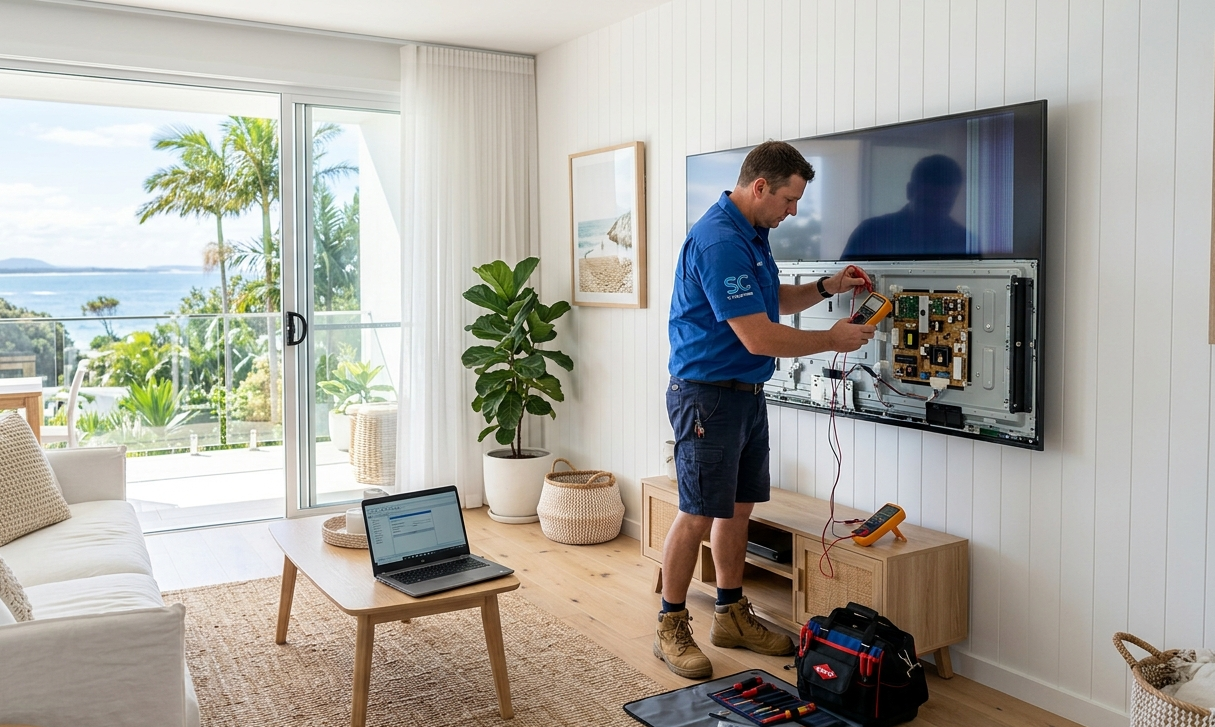
We’re a local workshop, not a mail-away repair centre. When you bring your television to us, a qualified technician with hands-on experience across all major TV brands and panel types assesses it honestly and explains the fault and repair options before any work begins.
Here’s what you get with every TV repair on the Sunshine Coast at Brocky’s Electronics:
- Experienced technicians across LED, OLED, QLED, and Smart TV repairs
- Honest assessment, we’ll tell you if replacement makes more sense than repair
- Fast turnaround, because we know you need your television working
- Genuine and compatible replacement parts wherever possible
- Transparent, upfront pricing with no surprises
We’ll let the locals we’ve helped do the talking.
Book Your TV Repair Today
Don’t leave a TV not working situation unresolved. Whether it’s a backlight repair, a power supply replacement, or a main board assessment, the team at Brocky’s Electronics is ready to help.
From TV not working repairs to Sony servicing, digital pianos, and audio equipment, you can find everything we do at Brocky’s Electronics.
Contact Brocky’s Electronics today and we’ll have your television assessed and back in action as soon as possible.
FAQs
1. Why is my TV not working with no standby light?
No standby light means no power is reaching the TV’s internal circuits. Check the power cord, wall outlet, and power board first. If those are fine, a failed power supply board is the most likely internal cause.
2. My TV has sound but no picture. Is this repairable?
Almost certainly yes. Sound with no picture almost always means the backlights have failed rather than the panel. Shine a torch at the screen in a dark room if you can see the picture faintly, a backlight repair will restore the image.
3. Can a power surge permanently damage a TV?
Yes. A surge can damage the power supply board, main board, or both without any visible external signs. If your TV stopped working after a storm, have it professionally assessed before assuming it’s written off.
4. How do I know if my TV needs repair or replacement?
A professional assessment tells you exactly which components have failed and whether repair is cost-effective for your specific model. Most quality TVs under six to eight years old are worth repairing.
5. How long does TV repair take on the Sunshine Coast?
Most repairs are completed within 3 to 7 business days. Parts availability may extend this for less common models, and we’ll always give you a realistic timeframe upfront.