
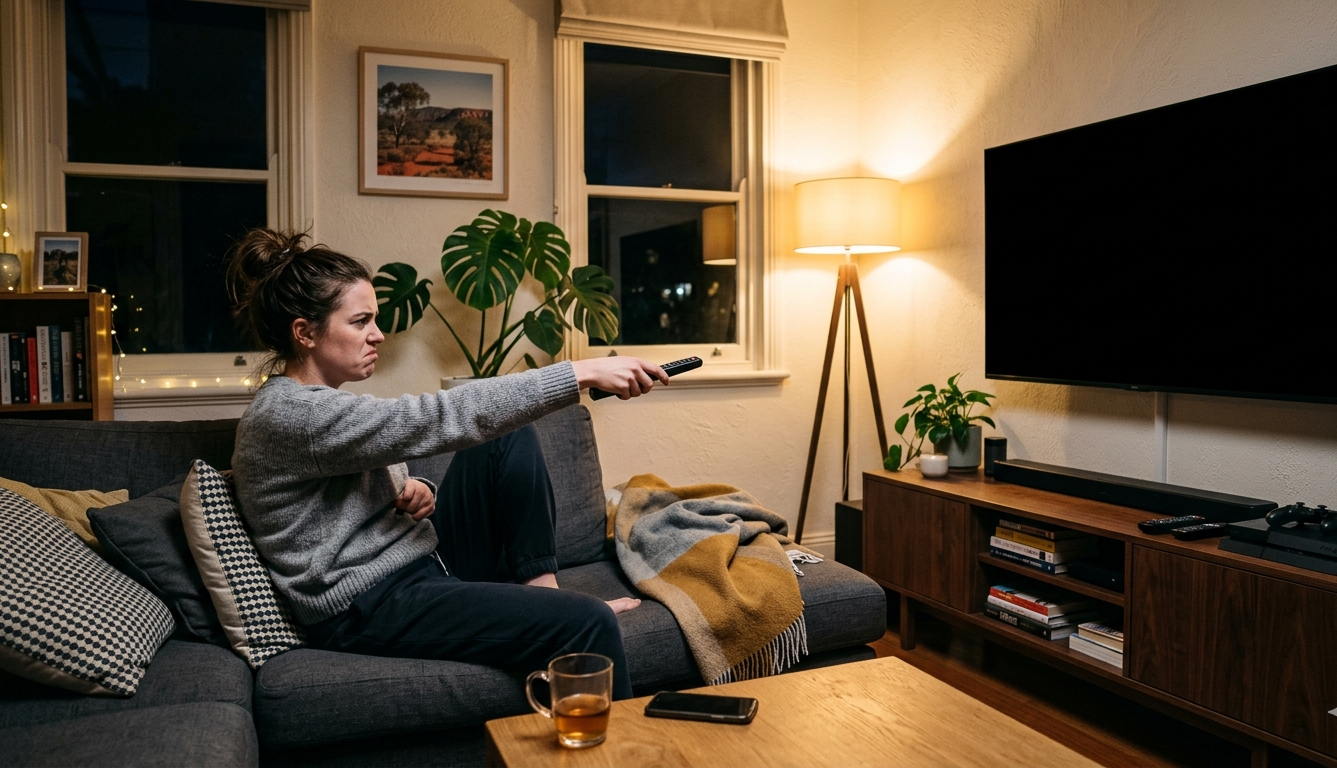
One moment your television is working perfectly. The next, it simply stops. No picture, no sound, no response or something in between that makes it clear something has gone wrong. When your TV stops working, the cause isn’t always obvious, and the temptation to assume the worst is understandable. But in many cases, the fault is more straightforward than it appears, and a few targeted checks at home can tell you a great deal before a technician is ever involved.
At Brocky’s Electronics, TV repair on the Sunshine Coast is one of our most frequently requested services. We see the same faults come through regularly across all major brands. Here’s a clear, honest breakdown of what causes a TV to stop working and what to do about each one.
The Most Common Reasons a TV Stops Working
1. Complete Power Failure No Standby Light
When your TV stops working with no standby light and no response to the remote or the physical power button, the fault is in the power circuit rather than the display or software.
What to check first:
- Confirm the power cord is firmly seated at both ends
- Test the wall outlet with a different device to rule out a tripped circuit
- Check whether the power board or surge protector has tripped or needs resetting
- Unplug the television from the wall, wait 60 seconds, and plug it back in directly without the power board
If the standby light still doesn’t appear after these checks, the fault is almost certainly internal. Common causes include a failed power supply board, a blown internal fuse, or failing capacitors in the power circuit that can no longer hold voltage.
2. Standby Light On But TV Won’t Turn On
A TV stops working in a different way when the standby light is present but the television doesn’t respond to power commands. This tells you the television is receiving power but something is preventing it from completing its startup sequence.
What to try:
- Press the physical power button on the television itself rather than relying on the remote
- Try a factory reset by holding the power button for 10 to 15 seconds
- Disconnect all external devices including HDMI sources, USB drives, and set-top boxes, then try powering on
- Check for a firmware update if the TV briefly shows the manufacturer logo before shutting back down
If the television starts briefly and then switches off, the backlight driver, main board, or a thermal protection circuit shutting down due to overheating is the most likely cause.
3. Black Screen With Sound Still Present
A TV stops working visually but continues producing audio is one of the most encouraging fault types from a repair perspective. It almost always points to a backlight failure rather than a panel fault, which is a significantly more cost-effective repair.
How to confirm it’s a backlight fault:
- In a darkened room, shine a torch at an angle against the television screen
- If you can faintly see the image, the backlights have failed but the panel itself is intact
- Check whether the television briefly shows its startup logo before the screen goes dark, which also points to backlights rather than panel damage
Backlight repairs involve replacing the LED strips inside the panel assembly and are one of the most common TV repair Sunshine Coast jobs we carry out at Brocky’s Electronics.
4. TV Stops Working After a Power Surge
A TV stops working following a storm, a power fluctuation, or an area power outage is a scenario we see regularly on the Sunshine Coast. A power surge can damage internal components silently, without any visible external signs.
What to check:
- Confirm the wall outlet and surge protector are functioning correctly after the event
- Check whether other devices on the same circuit were affected
- Note whether the television was plugged into a surge-protected power board or directly into the wall
Internal surge damage can affect the power supply board, the main board, or in severe cases multiple components simultaneously. If the television was unprotected during a surge event and now shows any of the symptoms above, professional assessment is the right next step.
Prevention going forward:
- Use a quality surge-protected power board rated for audio-visual equipment
- Unplug high-value electronics during electrical storms where practical
- Consider a whole-home surge protection device if your property experiences regular power fluctuations
5. TV Stops Working After a Firmware Update
A TV stops working immediately after a firmware update is a less common but genuinely frustrating situation. A failed or corrupted update can leave the television’s operating system in an unbootable state.
What to try:
- Perform a factory reset by holding the physical power button for 10 to 15 seconds
- Check the manufacturer’s support page for a manual firmware recovery process for your specific model
- Some manufacturers offer a USB firmware recovery option where the firmware is loaded from a USB drive during a forced restart
If the factory reset and firmware recovery options don’t restore normal operation, the main board’s eMMC storage may have been corrupted during the failed update and needs professional repair or replacement.
6. Intermittent Faults Before a TV Stops Working Completely
Most complete failures don’t happen without warning. A TV stops working permanently is frequently preceded by weeks or months of intermittent symptoms that were easy to dismiss at the time.
Common early warning signs:
- The television taking longer than usual to turn on after pressing the power button
- Occasional unexpected shutdowns during normal viewing
- A brief flicker or loss of backlight that resolves on its own
- Clicking sounds from inside the television during startup
- Picture quality that varies noticeably as the television warms up
These symptoms point to failing capacitors in the power supply or main board, a backlight driver that’s struggling, or a thermal issue that’s progressively worsening. Addressing them early is significantly more cost-effective than waiting for a complete failure.
For display faults that appear before a television stops working entirely, including lines on the screen or areas of discolouration, TV screen lines causes and checks covers the diagnostic steps in full.
Is Your TV Worth Repairing?
When a TV stops working, the repair versus replacement decision depends on several factors that a professional assessment can answer clearly.
Repair is generally worth it when:
- The fault is in the power supply board, backlight, or main board rather than the panel itself
- The television is a quality brand under six to eight years old
- The screen size is large enough that replacement cost significantly exceeds repair cost
- Genuine replacement parts are available for your model
Replacement may make more sense when:
- The LCD or OLED panel itself has physically failed
- The television is an older entry-level model with a low replacement cost
- Multiple components have failed simultaneously
A professional assessment tells you exactly which situation you’re in before any money is committed to repair. As covered in how television display technology affects repairability, modern LCD and LED panels are constructed from multiple layers and components, meaning the distinction between a panel fault and a backlight fault has significant implications for repair cost and viability.
For Sony televisions specifically, Sony TV repair on the Sunshine Coast covers model-specific fault patterns and repair options across Sony’s full range of LED and OLED models.
For all other brands, TV repair on the Sunshine Coast covers the full range of makes and models including Samsung, LG, Hisense, TCL, Panasonic, and more.
For further reference on how to evaluate television repair options, RTINGS’ guide to TV repair and panel faults is one of the most technically detailed consumer resources available for Australian TV owners making a repair decision.
Why Sunshine Coast Locals Trust Brocky’s Electronics
We’re a local workshop, not a mail-away repair centre. When you bring your television to us after it stops working, a qualified technician with hands-on experience across all major TV brands and panel technologies assesses it honestly and explains the fault and repair options before any work begins.
Here’s what you get with every TV repair on the Sunshine Coast at Brocky’s Electronics:
- Experienced technicians across LED, OLED, QLED, and Smart TV repairs
- Honest assessment, we’ll tell you if replacement makes more sense than repair
- Fast turnaround, because we know you need your television working
- Genuine and compatible replacement parts wherever possible
- Transparent, upfront pricing with no surprises
We’ll let the locals we’ve helped do the talking.
Book Your TV Repair Today
Don’t leave a TV stops working situation unresolved. Whether it’s a power supply repair, a backlight replacement, or a main board assessment, the team at Brocky’s Electronics is ready to help.
From TV repair on the Sunshine Coast to Sony repairs, digital pianos, and audio equipment, you can find everything we do at Brocky’s Electronics.
Contact Brocky’s Electronics today and we’ll have your television assessed and back in action as soon as possible.
FAQs
1. Why did my TV suddenly stop working with no warning?
Complete sudden failures are usually caused by a power supply board fault or a blown internal fuse. Check the standby light first its presence or absence tells you a great deal about where the fault lies.
2. My TV has sound but no picture. Is it repairable?
Almost certainly yes. Sound with no picture almost always means the backlights have failed rather than the panel, which is a significantly more cost-effective repair than panel replacement.
3. Can a power surge permanently damage a television?
Yes. A surge can damage the power supply board, main board, or both without any external visible signs. If your TV stopped working after a storm or power outage, have it professionally assessed.
4. Is it worth repairing a TV that has stopped working?
For quality brands under six to eight years old with a repairable fault, yes in most cases. A professional assessment tells you exactly which components have failed and whether repair is cost-effective for your specific model.
5. How long does a TV repair take?
Most repairs are completed within 3 to 7 business days. Parts availability may extend this for less common models, and we’ll always give you a realistic timeframe upfront.