
Samsung is one of the most popular television brands in Australian homes, and for good reason. Their QLED, Neo QLED, and Crystal UHD ranges offer outstanding picture quality at a range of price points. But like any complex electronics, they develop faults over time, and knowing what you’re dealing with before picking up the phone saves time, money, and frustration.
At Brocky’s Electronics, Samsung TV repair on the Sunshine Coast is one of our most frequently requested services. We see the same faults come through regularly, and in many cases, a few simple checks at home can help identify exactly what’s wrong before a technician is involved. Here’s what Sunshine Coast households need to know.
The Most Common Samsung TV Faults We Repair
1. Samsung TV Won’t Turn On
A Samsung television that shows no signs of life is one of the most common reasons for Samsung TV repair on the Sunshine Coast. The cause ranges from something simple to a more significant internal fault.
What to check first:
- Confirm the power cord is firmly seated at both the TV and the wall outlet
- Test the wall outlet with a different device to rule out a power supply issue
- Check the standby light on the TV a red standby light means the TV is receiving power but not responding to the remote
- Try pressing the physical power button on the TV itself rather than the remote
- Unplug the TV from the wall, wait 60 seconds, and plug it back in
If none of these resolve the issue, the fault is likely internal. Common causes include a failed power supply board, a faulty main board, or a failing backlight driver that prevents the TV from completing its startup sequence.
2. Black Screen With Sound
A Samsung television that produces sound but shows no picture is a fault we see regularly during Samsung TV repair on the Sunshine Coast. It’s almost always caused by a backlight fault rather than a panel failure, which is an important distinction for repair cost.
What to check:
- Shine a torch at an angle against the screen in a darkened room if you can faintly see the image, the backlights have failed but the panel is intact
- Check whether the screen briefly shows the Samsung logo on startup before going black, which also points to a backlight fault
- Try a different HDMI source and cable to rule out an input-related issue
Backlight repairs are significantly more cost-effective than full panel replacements, so confirming this distinction early matters.
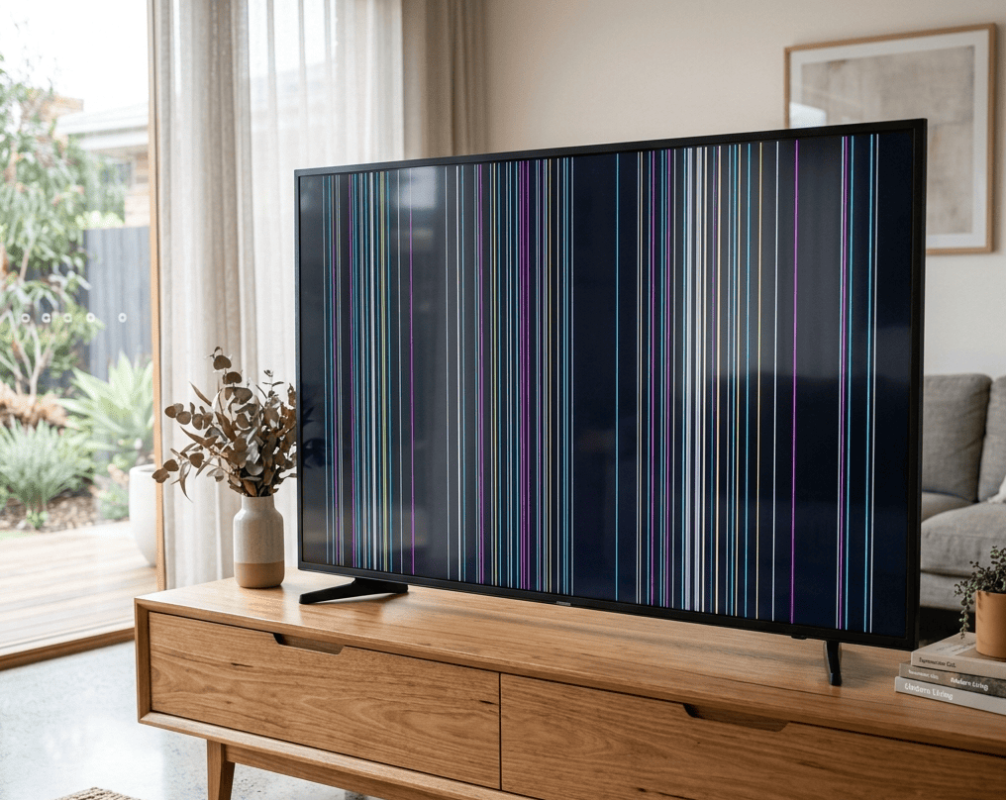
3. Lines on the Samsung TV Screen
Vertical or horizontal lines on a Samsung TV screen are among the most visually obvious faults and one of the most common reasons for Samsung TV repair on the Sunshine Coast.
What to check:
- Confirm the lines are present across all inputs, including the TV’s built-in apps, to rule out a cable or source fault
- Gently apply light pressure to the back of the TV frame near where the lines appear if lines temporarily shift or disappear, a loose ribbon cable or T-Con board fault is likely rather than panel damage
- Check for any physical impact marks or pressure damage on the screen that coincides with the line location
For a detailed breakdown of what causes screen lines and how to distinguish between different fault types, TV screen lines causes and checks covers the diagnostic process in full.
4. Samsung TV Freezing, Crashing, or Running Slowly
Smart TV performance issues are increasingly common as Samsung’s Tizen operating system accumulates cached data and apps over time. A Samsung TV that freezes mid-stream, crashes back to the home screen, or takes an unusually long time to load is almost always a software issue rather than a hardware fault.
What to try:
- Perform a soft reset by holding the power button on the remote for five seconds until the TV restarts
- Clear the cache of individual apps through Settings, Support, Device Care
- Check for a firmware update under Settings, Support, Software Update
- Perform a factory reset as a last software resort, after backing up any custom settings
If the TV continues freezing after a factory reset and firmware update, the main board may be failing rather than the software.
5. Samsung TV No Sound or Distorted Audio
Audio faults on a Samsung television range from a simple settings issue to an internal speaker or main board fault.
What to check:
- Confirm the TV isn’t set to output audio through a Bluetooth device or external soundbar that isn’t currently connected
- Check Settings, Sound, Sound Output to confirm the correct audio output is selected
- Test with a different app or input source to confirm whether the fault is source-specific
- Perform a sound test through Settings, Support, Self Diagnosis
If audio issues persist across all sources and the sound test fails, the internal speakers or audio processing on the main board need professional assessment.
6. Samsung TV Remote Not Working
Before assuming the remote has failed, a few quick checks usually identify the cause.
What to try:
- Replace the batteries with a fresh set, even if the remote indicator light still shows
- Remove the batteries, hold the power button for 15 seconds, then reinsert them to reset the remote
- Use the Samsung SmartThings app on your phone as a temporary remote to confirm whether the issue is the remote or the TV’s IR sensor
- Check whether the TV’s IR sensor is obstructed by a soundbar, bracket, or other object
Samsung Smart TV Specific Issues
Samsung’s Tizen Smart TV platform introduces a range of software-specific faults that standard TV repair guides don’t always cover.
Common Samsung Smart TV faults:
- Apps like Netflix, Stan, or YouTube crashing repeatedly usually resolved by clearing the app cache or reinstalling the app
- Wi-Fi connectivity dropping intermittently often caused by outdated firmware or router compatibility issues
- Samsung account or voice assistant errors following a firmware update
- Screen mirroring or AirPlay connection faults caused by network or firmware issues
For software faults that persist after a factory reset, the main board’s eMMC storage or network module may need assessment during a professional Samsung TV repair on the Sunshine Coast.
As noted in how Samsung’s Tizen operating system powers their Smart TV platform, Tizen is a Linux-based OS that manages all smart features, app integration, and network connectivity on Samsung TVs, meaning software corruption or storage failure can affect the entire platform rather than individual apps.
When to Stop and Book a Professional Samsung TV Repair
These are clear signs your Samsung television needs professional Samsung TV repair on the Sunshine Coast rather than further home troubleshooting:
- Black screen with no standby light despite checking power supply
- Backlight fault confirmed by torch test
- Screen lines present across all inputs after soft reset
- Burning smell or visible discolouration near vents
- The television has been physically impacted or dropped
- Firmware update failures that have left the TV unresponsive
For professional assessment and repair across all Samsung models, TV repair on the Sunshine Coast covers everything from backlight replacements and main board repairs to panel assessments and Smart TV diagnostics.
If your household also uses a digital piano that needs attention, digital piano repair on the Sunshine Coast is handled by the same experienced local team.
For a comprehensive resource on what to look for when evaluating Samsung TV panel quality and fault indicators, RTINGS’ Samsung TV troubleshooting and review resource is one of the most detailed technical references available for Australian Samsung TV owners.
Why Sunshine Coast Locals Trust Brocky’s Electronics for Samsung TV Repair
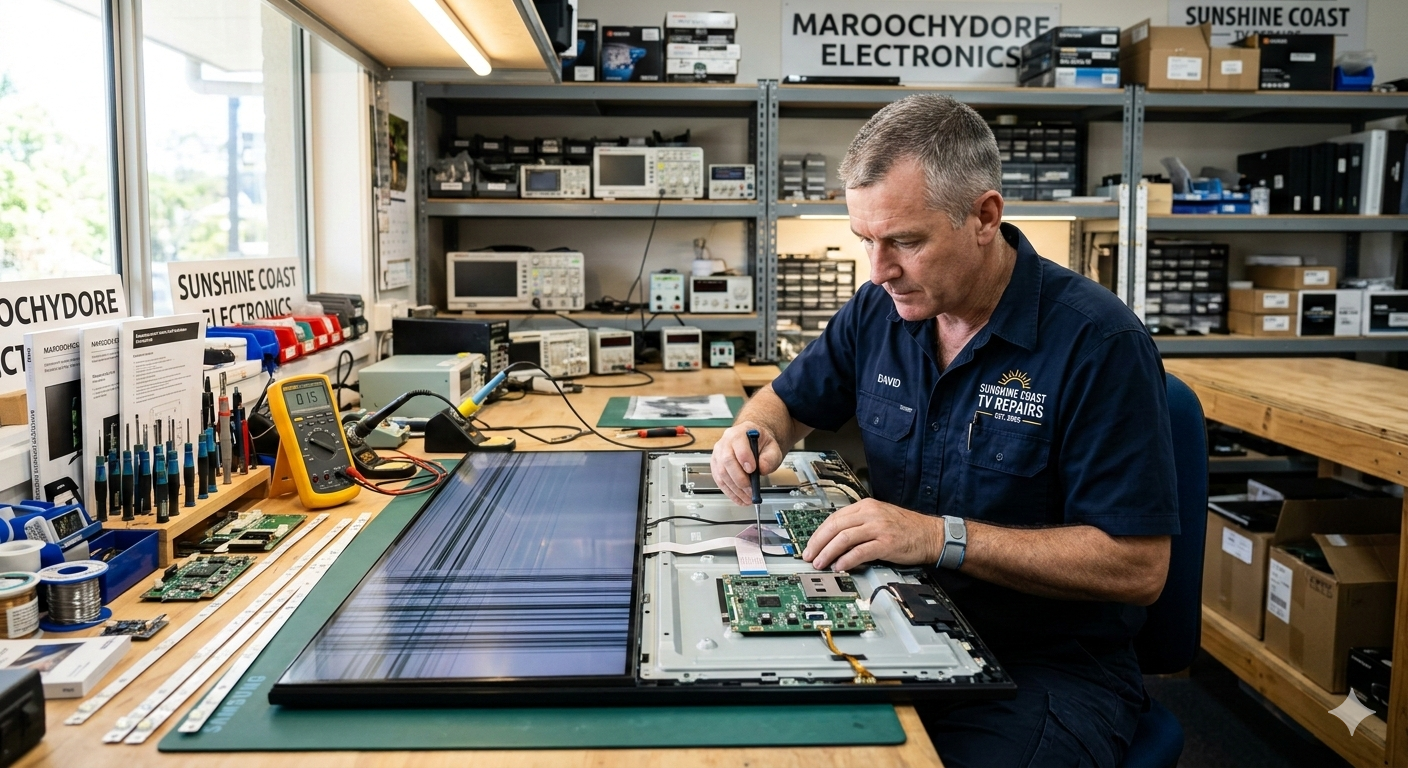
We’re a local workshop, not a mail-away repair centre. When you bring your Samsung television to us, a qualified technician with hands-on experience across Samsung’s full range of LED, QLED, and Smart TV models assesses it honestly and explains the fault and repair options before any work begins.
Here’s what you get with every Samsung TV repair on the Sunshine Coast at Brocky’s Electronics:
- Experienced technicians across all Samsung TV models and screen technologies
- Honest assessment, we’ll tell you if replacement makes more sense than repair
- Fast turnaround, because we know you need your television working
- Genuine and compatible replacement parts wherever possible
- Transparent, upfront pricing with no surprises
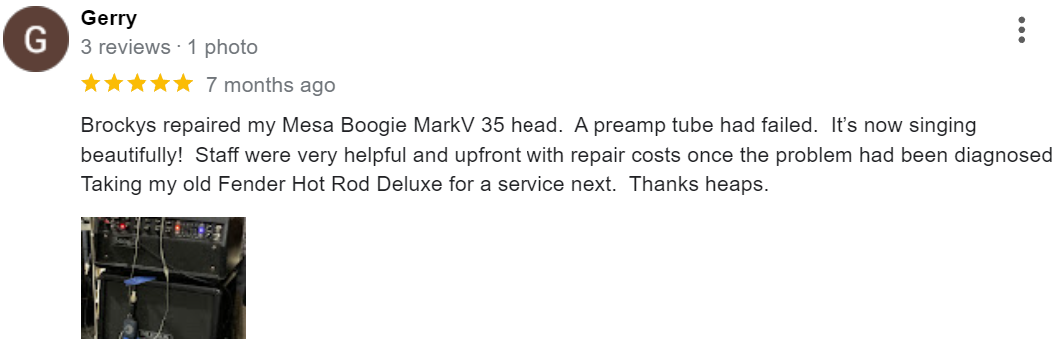
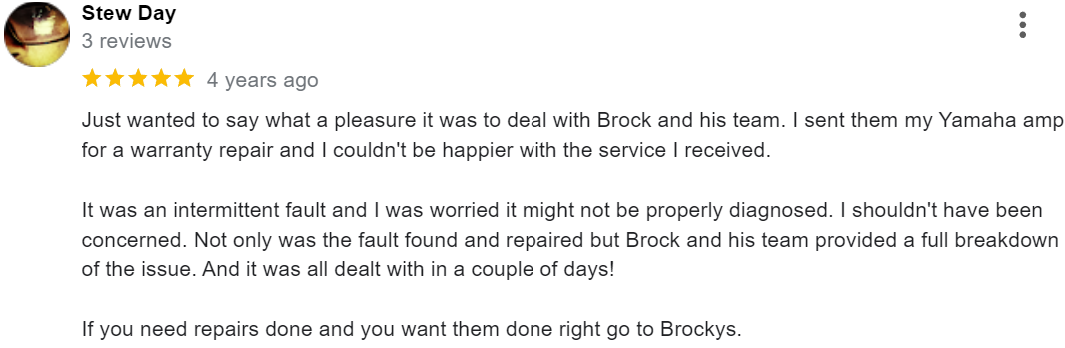
We’ll let the locals we’ve helped do the talking.
Book Your Samsung TV Repair Today
Don’t leave a Samsung TV fault to get worse. Whether it’s a backlight repair, a main board replacement, or a Smart TV software issue, the team at Brocky’s Electronics is ready to help.
From Samsung TV repair on the Sunshine Coast to digital pianos, valve amplifiers, and audio equipment, you can find everything we do at Brocky’s Electronics.
Contact Brocky’s Electronics today and we’ll have your Samsung TV assessed and back in action as soon as possible
FAQs
1. Why won’t my Samsung TV turn on?
Check the power cord, wall outlet, and standby light first. If the standby light is present but the TV won’t start, an internal power supply or main board fault is the likely cause.
2. Why does my Samsung TV have a black screen but still has sound?
A black screen with sound almost always indicates a backlight fault rather than panel damage. Shine a torch at the screen in a dark room, if you can faintly see the picture, the backlights need replacing.
3. Can Samsung Smart TV software faults be fixed without replacing the TV?
Usually yes. Most software faults are resolved by a factory reset, firmware update, or app reinstallation. Persistent issues after a full reset may indicate a main board fault.
4. Is Samsung TV repair worth it or should I replace my TV?
For most faults on quality Samsung models under six to eight years old, repair is significantly more cost-effective than replacement. A professional assessment gives you the specific answer for your model.
5. How long does a Samsung TV repair take?
Most repairs are completed within 3 to 7 business days. Parts availability may extend this for less common models, and we’ll always give you a realistic timeframe upfront.