
There’s nothing more frustrating than sitting down for a practice session only to find your digital piano isn’t cooperating. Maybe a key has gone completely silent, the sound is crackling, or the sustain pedal has stopped responding altogether. Before you panic, or rush out to buy a replacement, there are actually a few things you can check and troubleshoot yourself at home.
This guide walks you through the most common digital piano problems and what you can do about them. And if you’re on the Sunshine Coast and the issue turns out to be beyond a DIY fix, you’ve got a trusted local expert right on your doorstep.
Why Do Digital Pianos Develop Faults?
Digital pianos are sophisticated electronic instruments. Like any piece of technology, they can develop faults over time, particularly with regular use, dust and debris build-up, humidity fluctuations, or accidental physical damage. The Sunshine Coast’s coastal climate can also play a role, with humidity affecting internal electronics over time.
The good news? Many common issues have straightforward causes and, in some cases, simple solutions you can sort yourself.
Common Digital Piano Problems and How to Troubleshoot Them
1. Silent or Unresponsive Keys
This is hands-down one of the most common complaints with digital pianos. If one or more keys aren’t producing any sound, here’s where to start:
- Check your volume and mute settings, it sounds obvious, but it’s easily overlooked
- Look at your headphone jack — many models cut the internal speakers when headphones are plugged in, even partially
- Perform a factory reset, consult your owner’s manual for model-specific steps
- Inspect around the key, visible debris, sticky residue, or a stuck key mechanism can all cause silent notes
If none of those fix it, the issue is likely with the internal key sensor strip or contact mechanism, and that’s not something to poke around with at home. For a deeper breakdown of this specific problem, have a read of our guide onwhat to do when piano keys stop working.
2. Distorted Sound or No Audio Output
Crackling, buzzing, or a complete audio drop-out can point to several different faults:
- Loose or damaged audio cables — swap them out and test
- Partially inserted headphone plug — this can partially mute or distort output on many models
- Blown or failing internal speakers — test through headphones to isolate whether the issue is the speakers or the signal chain
- Software glitch — a full power cycle or factory reset can sometimes resolve unexpected audio behaviour
If the distortion is present through headphones as well, the problem is internal and will need a proper electronics assessment from a qualified piano repair technician on the Sunshine Coast.
3. Sustain Pedal Not Responding
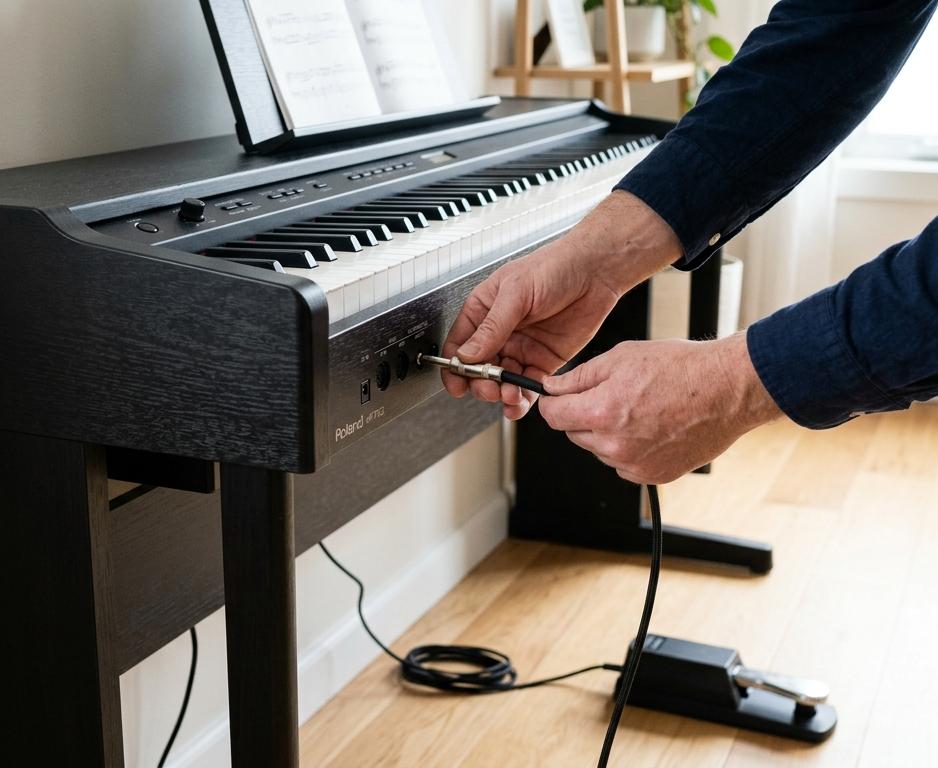
The sustain pedal cops a lot of use, and it’s one of the first things to play up. Before assuming the worst:
- Check it’s plugged into the right port some pianos have multiple jack inputs
- Unplug and firmly re-seat the connection
- Check the pedal polarity setting in your instrument’s settings menu, this is a surprisingly common cause of reversed or non-functioning pedal behaviour
- Inspect the cable for kinks, fraying, or breaks near the connector ends
A replacement pedal is often an easy and affordable fix. If the port on the piano itself is damaged or not detecting input, that’s a job for a professional repair service.
4. Power Issues, Unit Won’t Turn On
If your digital piano is completely unresponsive:
- Test the power point with another device to rule out a dead outlet
- Check the power adapter is it the correct voltage and amperage for your specific model? Using the wrong adapter is a common cause of damage
- Inspect the power cable and connector for any visible damage
- Look for an accessible fuse some models include a user-replaceable fuse near the power input
Never use a substitute power adapter unless you’ve confirmed it matches the manufacturer’s specifications exactly. Voltage mismatches can permanently damage the main board.
5. MIDI or USB Connectivity Issues
Not connecting to your computer or DAW? Try these before calling it a hardware fault:
- Reinstall or update your MIDI/USB drivers outdated drivers are a frequent culprit
- Try a different USB cable cables fail more often than people realise
- Test on a different USB port or computer to rule out a port-level issue
- Check your DAW’s MIDI input settings to confirm the device is being detected
If the USB port on the piano itself feels loose, intermittent, or physically damaged, that will need professional attention.
When to Stop DIY-ing and Call a Professional
Some issues aren’t safe or practical to tackle at home. You should book a qualified digital piano repair Service in Sunshine Coast if:
- Multiple keys are dead, or an entire section of the keyboard is unresponsive
- Audio issues persist after a full reset and cable swap
- There’s visible damage to internal components or the circuit board
- The instrument has been exposed to liquid or prolonged high humidity
- Your piano is still under warranty DIY repairs can void manufacturer coverage
Maintenance Tips to Prevent Future Problems
A bit of regular care keeps most issues at bay:
- Use a dust cover whenever the piano isn’t in use
- Keep the instrument away from direct sunlight and damp areas
- Clean the keys gently with a slightly damp cloth, never spray liquid directly onto the instrument
- Handle cables carefully to avoid stressing the ports and connectors
- Update the firmware when your manufacturer releases new versions
For broader guidance on caring for your instrument, the Australian Music Association’s digital piano buying and care guide is a solid reference from Australia’s peak music industry body. You can also learn more about how digital pianos work on Wikipedia to better understand what’s happening under the hood when something goes wrong.
Why Sunshine Coast Musicians Trust Brocky’s Electronics
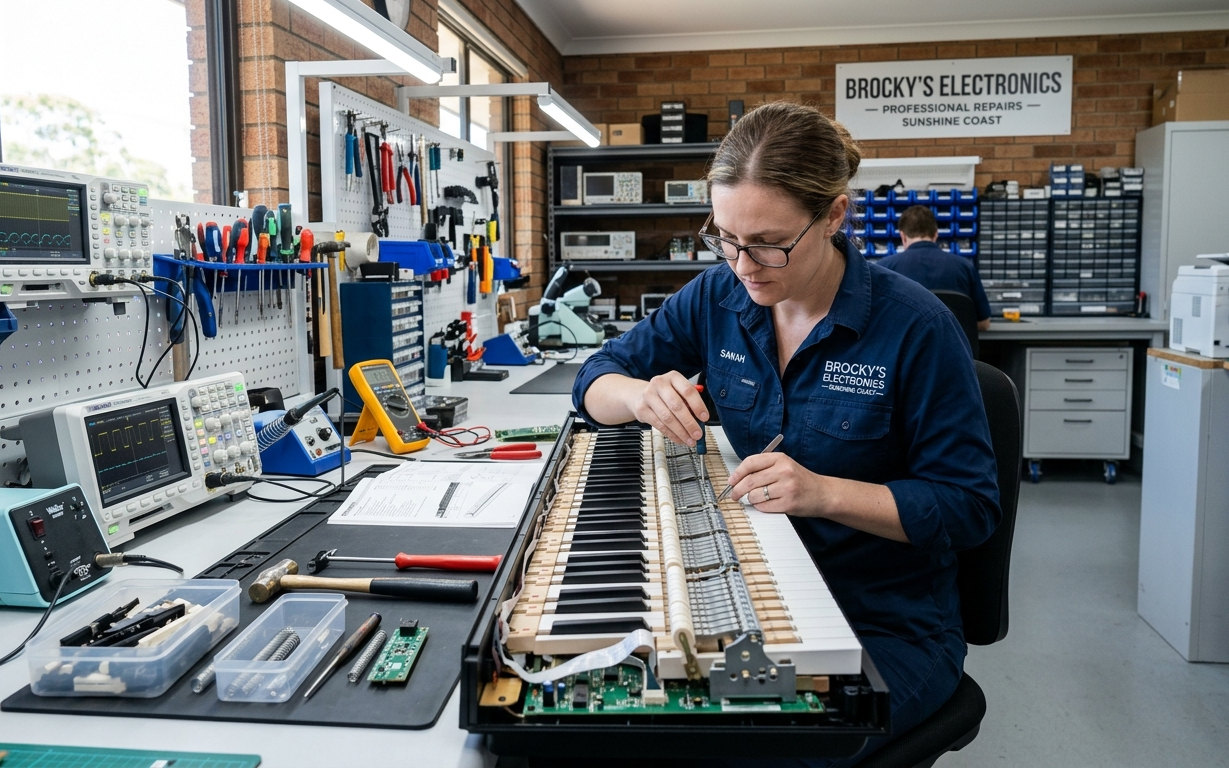
Brocky’s Electronics has built a genuine local reputation for reliable, no-nonsense electronics and music equipment repair across the Sunshine Coast. They work on everything from beginner keyboards to professional-grade stage pianos, with a clear focus on honest assessments and quality workmanship.
Beyond piano repairs, their music equipment repair service covers a broad range of instruments and audio gear, so if you’ve got multiple things needing attention, it’s worth a single visit.
Your piano deserves the best care. Find top-rated piano repair on the Sunshine Coast real reviews, real customers, one click away.
Ready to Get Your Digital Piano Playing Again?
Whether this guide has helped you sort a minor issue or you’ve identified something that needs expert attention, Brocky’s Electronics is ready to help. They’re the Sunshine Coast’s trusted local specialists for Digital piano repair Sunshine Coast and music equipment servicing.
Contact Brocky’s Electronics today to book your assessment or ask about your specific instrument.
Frequently Asked Questions
1. Can I fix digital piano keys myself?
Some minor issues, like debris under a key or a loose connection, can be resolved at home. But if the key sensor strip or internal mechanism is at fault, it’s best handled by a qualified technician to avoid making things worse.
2. How much does digital piano repair cost on the Sunshine Coast?
Costs vary depending on the fault and the model. Simple fixes like pedal or cable replacements are generally quite affordable. Brocky’s Electronics provide upfront assessments so you know what you’re up for before committing.
3. How long does a digital piano repair typically take?
Many common repairs are completed within a few days. If parts need to be ordered, it may take a little longer. Your technician will give you a realistic timeframe at the assessment stage.
4. Is it worth repairing an older digital piano?
In many cases, yes, especially if it’s a quality brand and the fault is relatively minor. A professional assessment helps you weigh up repair cost versus replacement value so you can make an informed call.
5. Do you repair all digital piano brands?
Brocky’s Electronics works across a wide range of brands including Yamaha, Roland, Kawai, Casio, and more. Get in touch to confirm availability for your specific model.