
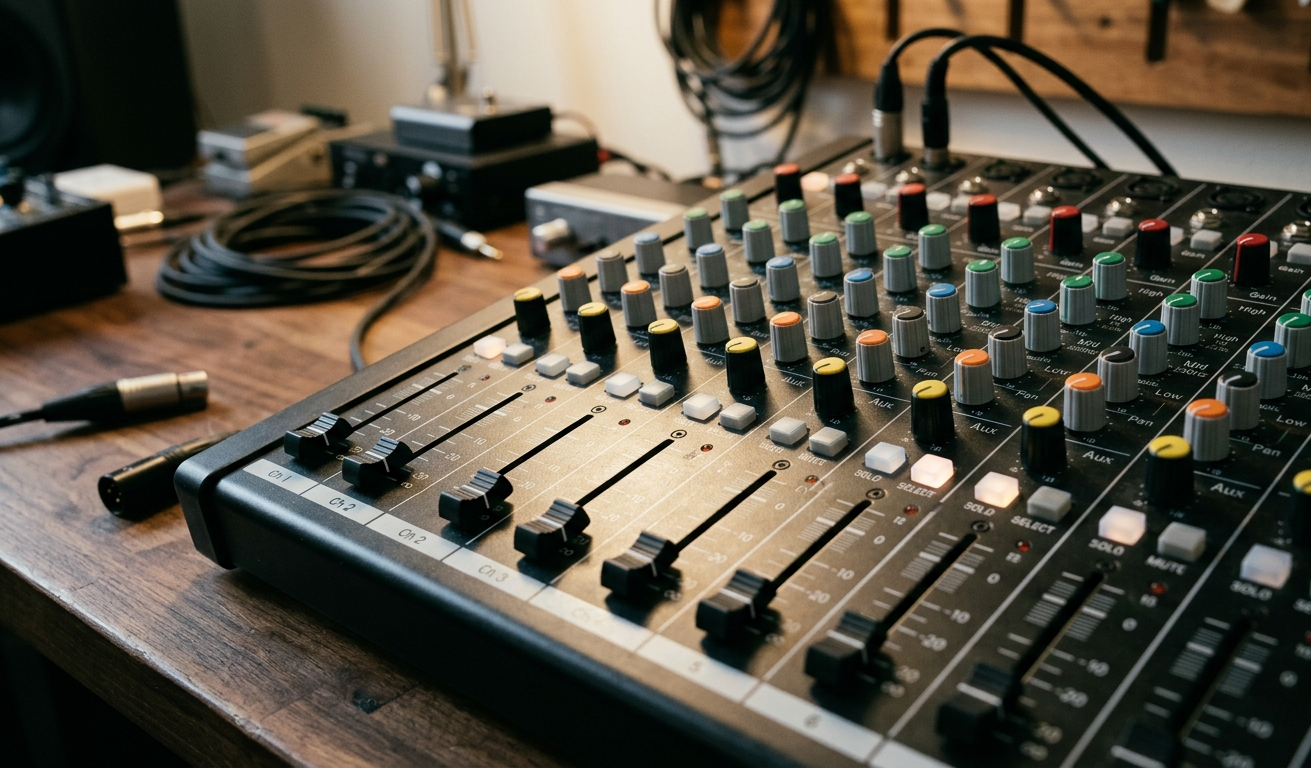
Your mixer is the nerve centre of your entire audio setup. Whether you’re running a live event at a Sunshine Coast venue, recording in a home studio, or DJing at a weekend gig, when your mixer plays up, everything stops. The frustrating part? Most mixer repair jobs start as small, easily identified faults that get worse the longer they’re left unattended.
At Brocky’s Electronics, we’ve carried out mixer repair work on hundreds of analogue and digital consoles across the Sunshine Coast. We know the common faults, what causes them, and when a problem has gone beyond a DIY fix. Here’s a straightforward breakdown to help you diagnose what’s going wrong, and what to do about it.
The Most Common Mixer Problems We See
1. Crackling, Static, or Distorted Audio
This is one of the most common reasons musicians and engineers bring a mixer in for repair. You’ll hear it as a crackle when you move a fader or knob, or as persistent static on one or more channels.
What causes it:
- Oxidised or dirty fader tracks and rotary pots
- Faulty or degraded audio cables and connections
- Damaged input or output jacks
- Gain staging pushed too hard into the red
What you can try:
- Clean faders and knobs with an electronics-grade contact cleaner
- Swap out cables to rule out a lead fault
- Check your gain levels on each channel
If cleaning doesn’t resolve it, the fader or potentiometer likely needs professional replacement. As Sweetwater’s Mixer Care and Maintenance Guide notes, regular cleaning of pots, jacks, and faders is one of the most important things you can do to prevent costly repairs down the track.
2. No Sound Output
The mixer powers on, everything looks fine, but nothing comes out. This is one of the more frustrating faults because the cause isn’t always obvious.
Common causes:
- Master output turned down or muted
- Incorrect input routing or source selection
- Faulty output ports or jacks
- Dead channel strips
What to check first:
- Confirm master and channel fader levels are up and unmuted
- Verify your input sources are active and routed to the correct outputs
- Test each channel individually to isolate the problem
If individual channels are dead and the issue isn’t routing or cabling, internal components like op-amps or capacitors may be failing. That’s a job for a qualified technician.
3. Unresponsive or Sticky Faders and Knobs
Faders that feel stiff, gritty, or skip when moved are a sign of dust buildup, physical wear, or corroded potentiometers. Left too long, they’ll stop responding altogether.
What causes it:
- Dust and grime accumulation on fader tracks
- Physical wear from heavy regular use
- Corrosion on the internal potentiometer contacts
What you can try:
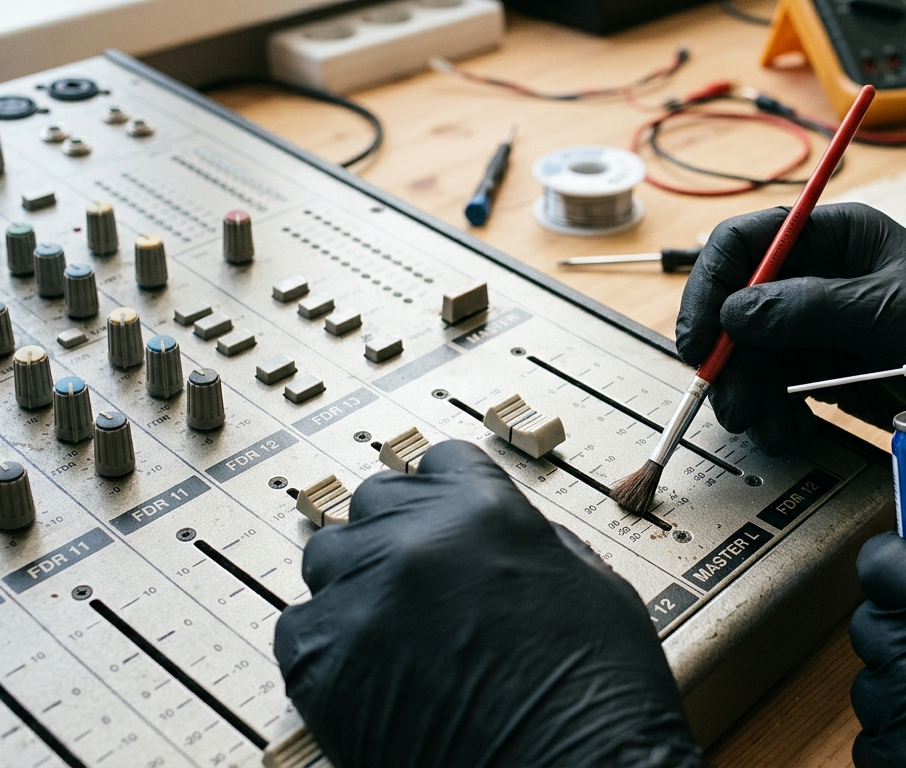
- Use a soft brush and electronics cleaner around fader tracks and knobs
- Exercise the faders back and forth to help break up oxidation
If cleaning doesn’t restore smooth, responsive movement, the fader or pot needs replacing. Attempting internal fader replacements without experience can cause further damage, so it’s worth getting a professional look first.
4. Humming or Ground Loop Noise
A persistent low-frequency hum or buzz, particularly when other equipment is connected to the mixer, is almost always a grounding issue. This is one of the most common faults we diagnose on the Sunshine Coast for live event setups.
Common causes:
- Ground loop interference between connected audio devices
- Shared or inadequate power sources
- Unbalanced cables running alongside power cables
What to try:
- Switch to balanced XLR or TRS cables wherever possible
- Connect all devices to the same power source
- Use a ground loop isolator between problem devices
- Reroute cables away from mains power runs
If the hum persists after these steps, the mixer’s internal grounding may need attention from a technician.
5. Channel Dropouts
A channel that cuts in and out, or simply refuses to function consistently, is often a sign of a failing fader, a loose internal solder joint, or degraded channel circuitry.
What you’ll notice:
- Audio from one channel cuts out intermittently
- Wiggling the fader temporarily restores the signal
- The channel works sometimes but not reliably
If wiggling the fader brings the signal back, a loose solder connection is the most likely culprit. This needs professional attention, as reflowing solder joints inside a mixer requires the right tools and experience to do safely.
6. Power Failures and Unexpected Shutdowns
A mixer that won’t turn on, powers off without warning, or flickers on and off has a power supply issue. This is one situation where you should not attempt a DIY fix.
Possible causes:
- Faulty power adapter or internal power supply
- Blown internal fuse
- Failing voltage regulators or capacitors
Try a different compatible power adapter first. If the problem persists, the internal power components need professional diagnosis. Power circuits inside mixers carry voltages that are dangerous to handle without proper training and equipment.
7. Digital Mixer Software and Firmware Glitches
Modern digital mixers rely on firmware and software to function. Outdated firmware, software bugs, or USB connectivity issues can cause settings to not save, touchscreens to freeze, or MIDI controls to stop responding.
What to try:
- Update firmware from the manufacturer’s official website
- Perform a factory reset after backing up your current settings
- Test USB connections with a different cable or port
If problems continue after a full firmware update and reset, the internal logic board may need professional attention. For a deeper understanding of how complex modern audio systems really are, Wikipedia’s overview of audio equipment puts it all into perspective.
When to Stop Troubleshooting and Call a Technician
Some faults are straightforward enough to address yourself. But these are clear signs your mixer needs professional mixer repair rather than another DIY attempt:
- Persistent issues after cleaning and cable swaps
- Any fault involving the internal power supply
- Dead channels that don’t respond to any input
- Physical damage to jacks, faders, or housing
- Digital mixers with logic board or firmware issues that reset attempts don’t fix
If your issue extends beyond the mixer itself, we’ve also covered faulty audio output and amplifier faults in detail, worth checking before you come in.
At Brocky’s Electronics, we repair everything from analogue mixing consoles and digital desks to DJ mixers, PA systems, and studio monitors across the Sunshine Coast.
Why Sunshine Coast Musicians and Audio Professionals Trust Brocky’s Electronics
We’re a local workshop, not a mail-away repair centre. When you bring your mixer to us, a qualified technician with real audio equipment experience looks at it, gives you an honest diagnosis, and talks you through the options before any work begins.
Here’s what you get with every mixer repair at Brocky’s Electronics:
- Experienced technicians across analogue and digital mixer brands
- Honest assessment, we’ll tell you if it’s not worth repairing
- Fast turnaround, because we know you can’t be without your gear for long
- Genuine replacement parts wherever possible
- Transparent, upfront pricing with no surprises
Don’t just take our word for it, see what Sunshine Coast locals have to say about our work before you book.
Book Your Mixer Repair Today
Don’t let a mixer fault hold back your music, your gig, or your recording session. Whether it’s a simple fader clean or a full internal repair, the team at Brocky’s Electronics is ready to help.
From mixer repairs to valve amplifiers and television servicing, you can find everything we do at Brocky’s Electronics.
Visit us at Shop 6/12 Newspaper Place, Maroochydore QLD 4558, call us on 1800 544 644 or text 0422 394 174, Monday to Friday between 8:30am and 4:00pm.
Get in touch and we’ll have your mixer assessed and back in action as soon as possible.
FAQs
1. How do I know if my mixer needs professional repair or just a clean?
If cleaning faders and knobs with contact cleaner doesn’t resolve the issue after a few attempts, internal components likely need replacement. Power faults, dead channels, and ground issues always need professional attention.
2. Is it worth repairing an older mixer or should I just replace it?
In most cases, repair is significantly more cost-effective, especially for quality brands like Yamaha, Allen & Heath, Soundcraft, or Midas. We assess every item honestly and advise you before any work begins.
3. What brands of mixers do you repair?
All major brands including Yamaha, Allen & Heath, Soundcraft, Midas, Behringer, Mackie, Pioneer, and Rane. Both analogue and digital consoles.
4. Can you repair digital mixers as well as analogue ones?
Yes. We service both analogue and digital mixing consoles, including firmware issues, touchscreen faults, USB connectivity problems, and full internal circuit repairs.
5. Do you offer emergency mixer repair for urgent gig situations?
Yes. Get in touch directly to discuss urgent repair needs and we’ll do our best to prioritise your job.
“