
Electronics fail at the worst possible moments. A television that won’t turn on the night you’ve been looking forward to all week, a sound system that crackles mid-song, or a device that simply stops responding without warning. Common electronics problems in Australian homes rarely appear without reason, and in many cases, the cause is more straightforward than it first seems.
At Brocky’s Electronics, we diagnose and repair common electronics problems across the Sunshine Coast every week. We see the same faults repeatedly, and we know which ones are safe to address at home and which ones need a qualified technician before they become something far more expensive. Here’s an honest, practical breakdown.
The Most Common Electronics Problems We See on the Sunshine Coast
1. Device Won’t Turn On
A device that shows no signs of life is one of the most common electronics problems we’re called about, and the cause is frequently much simpler than the symptoms suggest.
What to check first:
- Confirm the power cord is firmly connected at both the device and the wall outlet
- Test the wall outlet with a different device to rule out a tripped circuit or faulty socket
- Check whether the power board or surge protector has tripped or needs resetting
- Try a different power cable if one is available
- Unplug the device, wait 60 seconds, and plug it back in
If the device still shows no response after these checks, the fault is internal. Common causes include a failed power supply board, blown internal fuse, or failing capacitors in the power circuit.
2. Overheating and Unexpected Shutdowns
Unexpected shutdowns during use are one of the most misunderstood common electronics problems on the Sunshine Coast. Most people assume the device has broken when it’s actually doing exactly what it’s designed to do, shutting itself down to prevent heat damage.
Common causes:
- Blocked ventilation from an enclosed cabinet or objects stacked on top of the device
- Dust buildup inside the device insulating heat-sensitive components
- A failing internal cooling fan no longer moving air effectively
- Degraded thermal paste between the processor and heatsink
- The Sunshine Coast’s warm coastal climate pushing ambient temperatures above what the device is designed to handle
What to do:
- Ensure at least 10 centimetres of clearance on all sides of heat-generating equipment
- Clean external vents with compressed air every six to twelve months
- Check whether the shutdown happens consistently after a specific period of use, which points to a thermal fault
For a detailed look at how to prevent heat damage before it requires a repair visit, home electronics overheating prevention covers the key causes and practical prevention steps in full.
3. No Sound or Distorted Audio
Audio problems are among the most common electronics problems we see in televisions, amplifiers, and home theatre systems across the Sunshine Coast.
What to check first:
- Confirm the device isn’t muted and the volume is at an audible level
- Check the audio output settings to confirm the correct output is selected
- Verify that no Bluetooth speaker or external audio device is accidentally selected as the output
- Test with a different source to confirm whether the fault is source-specific
- Try a different HDMI or audio cable to rule out a cable fault
If distortion or no audio persists across all sources and settings, the fault is likely in the device’s audio processing board or internal speakers, which needs professional assessment.
4. Screen or Display Issues
Display faults are among the most visually obvious common electronics problems and range from minor settings issues to significant hardware faults requiring component-level repair.
Common display faults:
- Vertical or horizontal lines across the screen pointing to a T-Con board or ribbon cable fault
- Black screen with sound present, almost always a backlight fault rather than panel failure
- Flickering or brightness inconsistency caused by a failing backlight driver
- Discolouration or burn-in on OLED panels from static image display over extended periods
What to check:
- Confirm lines or display faults are present across all inputs, including built-in apps, to rule out a source or cable cause
- Shine a torch at the screen in a dark room if the screen appears black, if you can faintly see the image, the backlight has failed but the panel may be intact
- Check for physical impact marks or pressure damage that coincides with the display fault location
5. Intermittent Faults That Come and Go
Intermittent faults are among the most frustrating common electronics problems because they’re unpredictable and difficult to diagnose without proper testing equipment.
Common causes:
- A cold or cracked solder joint on a component that loses contact with temperature changes
- Oxidised connector contacts that make intermittent electrical contact
- A failing capacitor that loses function as it warms up
- A loose internal cable or connector affected by vibration or movement
What you’ll notice:
- The fault appears after the device has been running for a while, then disappears after it cools down
- Tapping or physical movement of the device temporarily restores function
- The fault is more pronounced in warm weather, which points to a thermal component failure
Intermittent faults that aren’t addressed typically worsen over time. A fault that occasionally causes a dropout becomes a fault that causes a dropout every session, then a complete failure.
6. Connectivity and Input Issues
Devices that won’t recognise inputs, fail to detect connected equipment, or produce no signal from a specific port are consistently among the common electronics problems we see across Sunshine Coast households.
Common causes:
- A damaged HDMI, USB, or audio jack from repeated plugging and unplugging
- A failed input selector switch with oxidised internal contacts
- A firmware bug affecting input recognition on Smart TVs and media players
- A loose internal connector between the input board and the main board
What to try:
- Test the same cable on a different port to confirm whether the fault is the port or the cable
- Try a different cable on the same port to rule out a cable fault
- Perform a firmware update and factory reset on Smart TVs and media players before assuming a hardware fault
- Check for physical damage or bent pins inside the port
As covered in how electronic components degrade over time, mechanical components like input jacks, switches, and connectors have finite cycle ratings and are among the first components to develop faults in regularly used consumer electronics.
When Common Electronics Problems Need Professional Repair
Some of these checks are safe and worth trying at home. But these are clear signs professional repair is needed rather than further DIY:
- The device produces a burning smell or shows visible discolouration near vents
- An intermittent fault has become a consistent or worsening one
- Display faults persist across all inputs after a factory reset
- The device won’t turn on despite confirming the power supply is functional
- Any fault involving internal components of a mains-powered device
For television faults that need professional assessment, television repair on the Sunshine Coast covers everything from backlight repairs and display faults to main board replacements across all major brands.
If your common electronics problems extend to music equipment, amplifiers, or studio gear, music equipment repair on the Sunshine Coast covers mixing consoles, amplifiers, digital pianos, and more.
For further reading on how Australian households can approach electronics faults and repair decisions, Choice Australia’s electronics repair advice covers consumer rights, repair versus replacement decisions, and practical guidance relevant to Sunshine Coast households.
Why Sunshine Coast Locals Trust Brocky’s Electronics
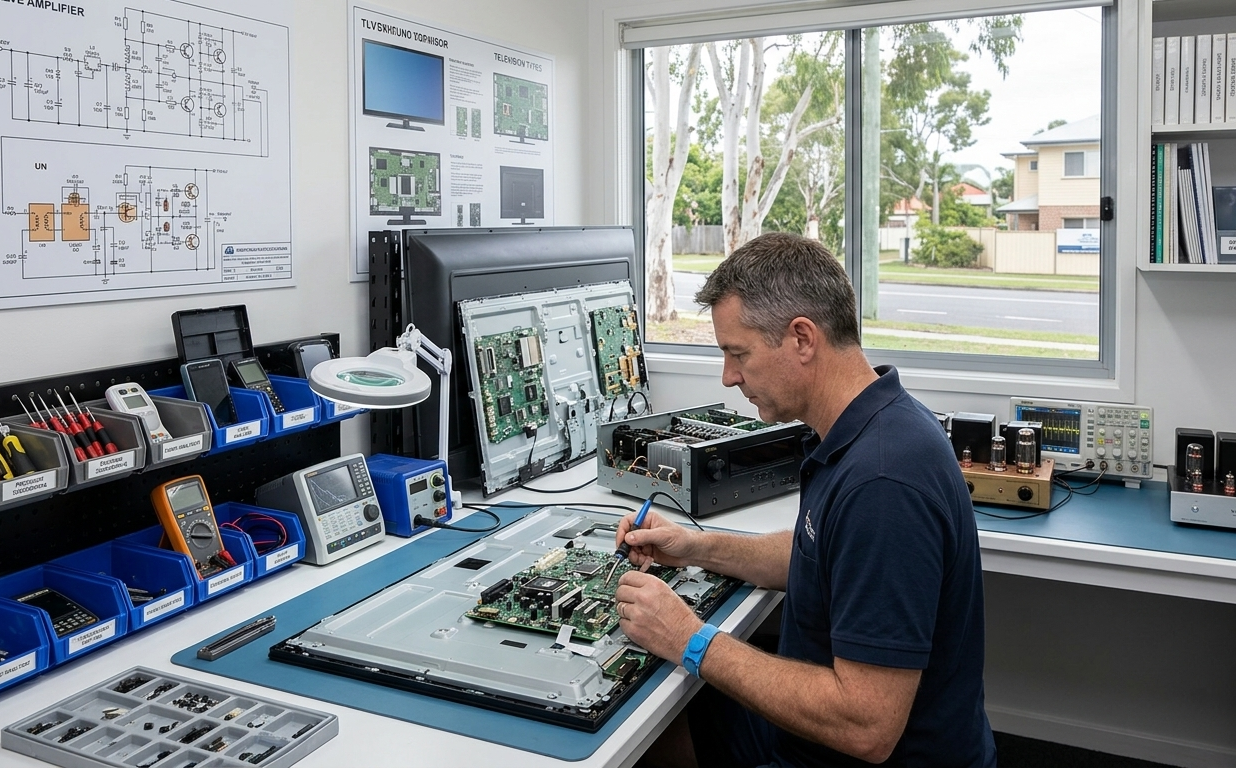
We’re a local workshop, not a mail-away repair centre. When you bring your device to us, a qualified technician with real hands-on experience across all major brands and device types assesses it honestly and explains your options clearly before any work begins.
Here’s what you get with every repair at Brocky’s Electronics:
- Experienced technicians across televisions, audio equipment, digital pianos, and more
- Honest assessment, we’ll tell you if replacement makes more sense than repair
- Fast turnaround, because we know you need your equipment working
- Genuine replacement parts wherever possible
- Transparent, upfront pricing with no surprises
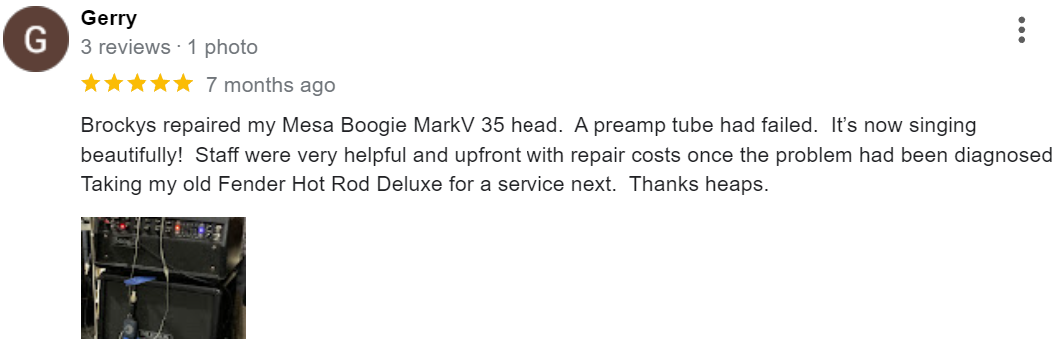
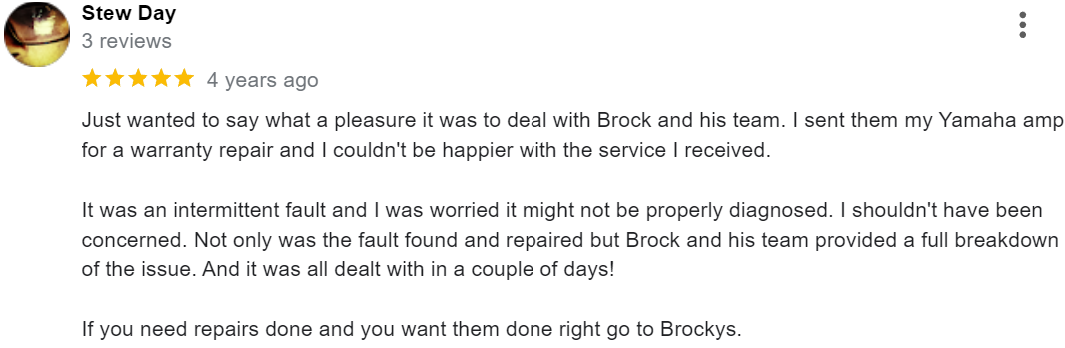
We’ll let the locals we’ve helped do the talking.
Get Your Electronics Sorted Today
Don’t let common electronics problems sit until they become something far more expensive to fix. Whether it’s a power fault, a display issue, or an intermittent fault that’s been dragging on for weeks, the team at Brocky’s Electronics is ready to help.
From common electronics problems and repairs to televisions, amplifiers, and music equipment, you can find everything we do at Brocky’s Electronics.
Contact Brocky’s Electronics today and we’ll have your device assessed and back in action as soon as possible.
FAQs
1. Why do my electronics keep shutting down unexpectedly?
Unexpected shutdowns are almost always heat-related. Check ventilation, clean dust from vents, and ensure the device has adequate clearance. Persistent shutdowns after these checks point to a failing internal cooling component.
2. What causes intermittent faults in home electronics?
Cold solder joints, oxidised connectors, and failing capacitors are the most common causes. Faults that respond to temperature changes or physical movement of the device are classic signs of these issues.
3. Is it worth repairing common electronics problems or replacing the device?
For quality devices under eight to ten years old, repair is almost always more cost-effective. A professional assessment gives you a specific answer before any money is spent.
4. What should I do if my device produces a burning smell?
Power it off and unplug it immediately. Do not attempt to power it on again. A burning smell means a component has failed under electrical or thermal stress and the device needs professional assessment before use.
5. Can a factory reset fix common electronics problems?
For software-related faults on Smart TVs, media players, and digital devices, yes. A factory reset won’t fix hardware faults but is always worth trying first to rule out a software cause.