
If your Amplifier Keeps Cutting Out, the problem can quickly become frustrating. You might be listening to music at home, playing guitar, using a hi-fi system or running audio equipment when the sound suddenly disappears.
In many cases, an amplifier cuts out because its protection system has detected overheating, excessive load, a speaker problem or another abnormal operating condition. For homeowners, musicians and audio enthusiasts looking for Amplifier Repair Sunshine Coast, identifying the symptoms can help determine whether a simple check is enough or professional diagnosis is needed.
Why Does an Amplifier Keep Cutting Out?
An amplifier can shut down or temporarily mute itself to protect its internal components and connected speakers.
Common causes include:
- Overheating
- Incorrect speaker impedance
- Damaged speaker cables
- Short circuits
- Excessive volume or input levels
- Power supply faults
- Internal component failure
- Protection circuit activation
Yamaha troubleshooting information also identifies excessive input levels, low speaker impedance and amplifier protection systems as possible reasons for interrupted sound or shutdowns.
1. The Amplifier May Be Overheating
Overheating is one of the most common things to investigate when an amplifier repeatedly cuts out.
Amplifiers generate heat during normal operation. If the unit is enclosed in a cabinet, placed directly against a wall or has blocked ventilation, heat may build up inside.
The problem may be especially noticeable if the amplifier works normally when first switched on but cuts out after extended use.
Check these things first:
- Keep ventilation openings clear.
- Avoid placing equipment directly on top of the amplifier.
- Give the unit enough space for airflow.
- Keep it away from direct heat sources.
- Allow the amplifier to cool before testing it again.
If the fault continues after the amplifier has cooled, there may be an underlying technical problem.
2. Check the Speaker Impedance
Your speakers need to be compatible with the amplifier’s specifications.
Connecting speakers with an impedance below the amplifier’s minimum rated load can place excessive demand on the output stage. Yamaha documentation notes that a power amplifier may shut down when the combined speaker impedance is below its specified minimum.
This can occur when:
- Several speakers are connected incorrectly.
- Speakers are wired in parallel.
- The amplifier is driving a load it was not designed to handle.
- A connected speaker has developed a fault.
Before changing your speaker configuration, check the manufacturer’s specifications for the amplifier.
3. A Speaker Cable or Connection Could Be Faulty
A loose or damaged cable can sometimes cause an amplifier to enter protection mode.
Inspect the external connections for:
- Loose speaker terminals
- Frayed wires
- Damaged plugs
- Pinched cables
- Incorrectly connected wires
- Signs of overheating
If the amplifier cuts out when a particular speaker or cable is connected, stop repeatedly switching the system back on. The connected equipment should be checked before continued use.
4. High Volume Can Trigger Protection
Does the amplifier only cut out when you’re pushing the volume hard?
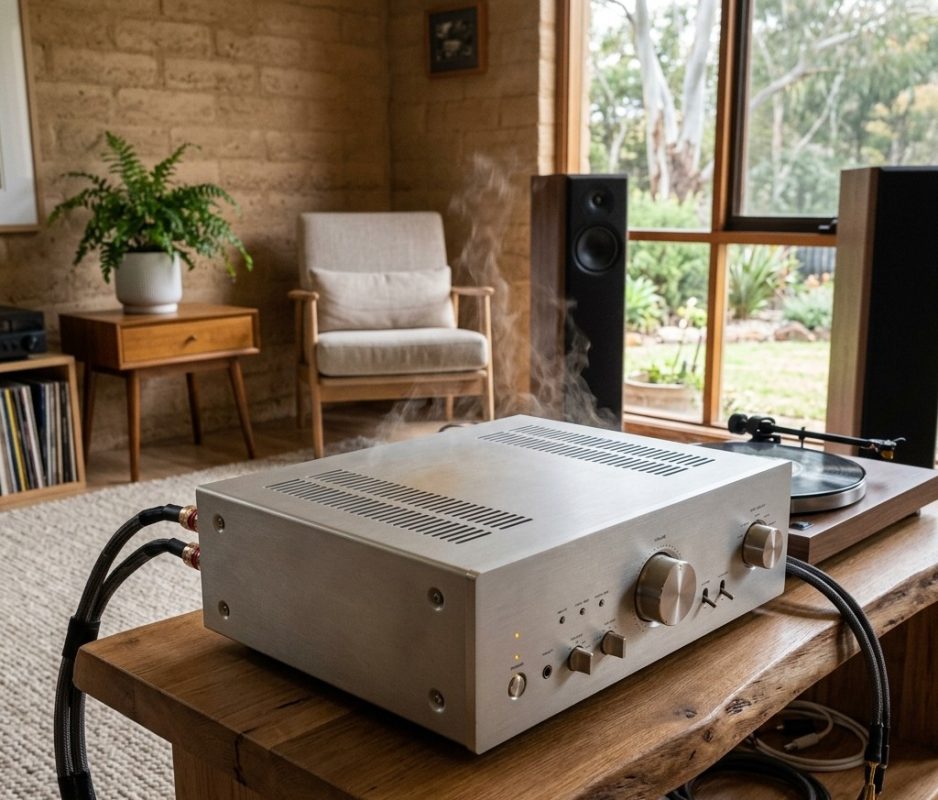
Excessive input or output levels can increase heat and place additional demand on the amplifier. Some systems activate protection when operating conditions become excessive.
Try reducing the volume and input level and see whether the problem disappears.
It’s also worth remembering that louder does not always mean better. The amplifier, speakers and source equipment need to operate within their intended limits.
For a useful technical overview of how audio power amplifiers work and drive loudspeakers, see Wikipedia’s Audio Power Amplifier guide.
5. An Internal Electronic Fault May Be Developing
If your amplifier cuts out at normal listening levels, has good ventilation and is connected to suitable speakers, an internal fault becomes more likely.
Possible problems can include:
- Ageing capacitors
- Power supply faults
- Output transistor problems
- Relay faults
- Thermal sensor issues
- Cracked solder joints
- Internal wiring faults
Some faults only appear after the equipment warms up or when the amplifier is placed under load. This can make intermittent problems difficult to diagnose without proper testing.
Amplifier Repair Sunshine Coast: When Should You Get Help?
If basic external checks don’t resolve the problem, professional Amplifier Repair Sunshine Coast services can help identify the source of the fault.
It’s worth getting the amplifier inspected if:
- It repeatedly shuts down.
- It becomes unusually hot.
- One channel keeps dropping out.
- The problem happens at normal volume.
- You hear unusual buzzing, popping or distortion.
- The amplifier switches off and comes back on by itself.
- The fault is becoming more frequent.
Avoid opening a mains-powered amplifier unless you have the appropriate technical experience. Internal components can store potentially dangerous electrical energy even after the unit has been switched off.
Can an Old Amplifier Be Repaired?
In many cases, yes.
Whether repair is worthwhile depends on the amplifier’s age, condition, brand, replacement cost, availability of parts and the nature of the fault.
A quality hi-fi amplifier, guitar amplifier or vintage unit may be worth repairing rather than replacing, particularly when the equipment has sentimental value or a sound that the owner wants to retain.
If you also have other audio equipment requiring attention, Brocky’s Electronics provides Music Equipment Repair for a range of music-related electronic equipment.
What If It’s a Valve Amplifier?
Valve amplifiers require specialist attention because they use different circuit designs and components from many modern solid-state amplifiers.
A valve amplifier that keeps cutting out could have an issue involving valves, power supply components, output-stage circuitry, overheating or another internal fault.
Rather than replacing valves or internal components at random, proper diagnosis can identify the actual cause.
How Can You Prevent an Amplifier From Cutting Out?
Good equipment care can reduce the likelihood of avoidable faults.
Follow these simple practices:
- Keep ventilation openings unobstructed.
- Use speakers within the amplifier’s specified impedance range.
- Check speaker cables regularly.
- Avoid running the system continuously at maximum volume.
- Keep dust away from ventilation areas.
- Don’t ignore intermittent faults.
- Have older or valuable equipment professionally checked when problems begin appearing.
If you’re experiencing performance problems rather than complete shutdowns, this related guide on amplifier repair and improving sound quality may also be useful.
When Should You Stop Using the Amplifier?
A single shutdown after prolonged high-volume use may simply indicate that the amplifier’s protection system has activated.
Repeated shutdowns are different.
If the amplifier keeps cutting out at ordinary listening levels, becomes excessively hot, produces a burning smell or shows other unusual behaviour, it’s better to stop using it until the cause has been investigated.
Continuing to operate faulty electronic equipment can potentially turn a relatively straightforward repair into a more expensive problem.
Professional Electronics Repair on the Sunshine Coast
When an amplifier fault can’t be resolved through basic external checks, professional diagnosis is the safest way to identify what’s actually happening.
Brocky’s Electronics provides electronics repair services for audio and other electronic equipment across the Sunshine Coast.
Whether you’re dealing with a home hi-fi amplifier, music equipment or a specialised valve amplifier, proper fault diagnosis can help you make an informed decision about repair or replacement.
For local service information, you can also view Brocky’s Electronics on Google.
Need Help With an Amplifier That Keeps Cutting Out?
Don’t let an intermittent amplifier fault become a bigger problem. If your equipment continues to shut down despite correct connections and adequate ventilation, professional testing can help identify the cause.
Contact Us to discuss your amplifier repair needs with Brocky’s Electronics.
Conclusion
If your Amplifier Keeps Cutting Out, overheating, speaker impedance, damaged cables, excessive volume and internal electronic faults are some of the key areas to investigate.
Simple checks can sometimes solve the issue, but repeated shutdowns shouldn’t be ignored. Professional diagnosis can help determine whether the amplifier needs a repair, service or replacement, while protecting your connected audio equipment from further problems.
FAQs
1. Why does my amplifier keep cutting out?
Overheating, speaker impedance, cable faults, excessive volume and internal faults are common causes.
2. Why does my amplifier cut out at high volume?
Excessive volume can activate the amplifier’s protection system or cause overheating.
3. Can an amplifier that keeps cutting out be repaired?
Yes. Many amplifier faults can be diagnosed and repaired depending on the equipment and fault.
4. Why does my amplifier work when cold but cut out later?
This can indicate overheating or a temperature-related internal fault.
5. Should I keep using an amplifier that keeps shutting down?
It’s better to stop using it and have the cause checked if the shutdowns keep happening.