
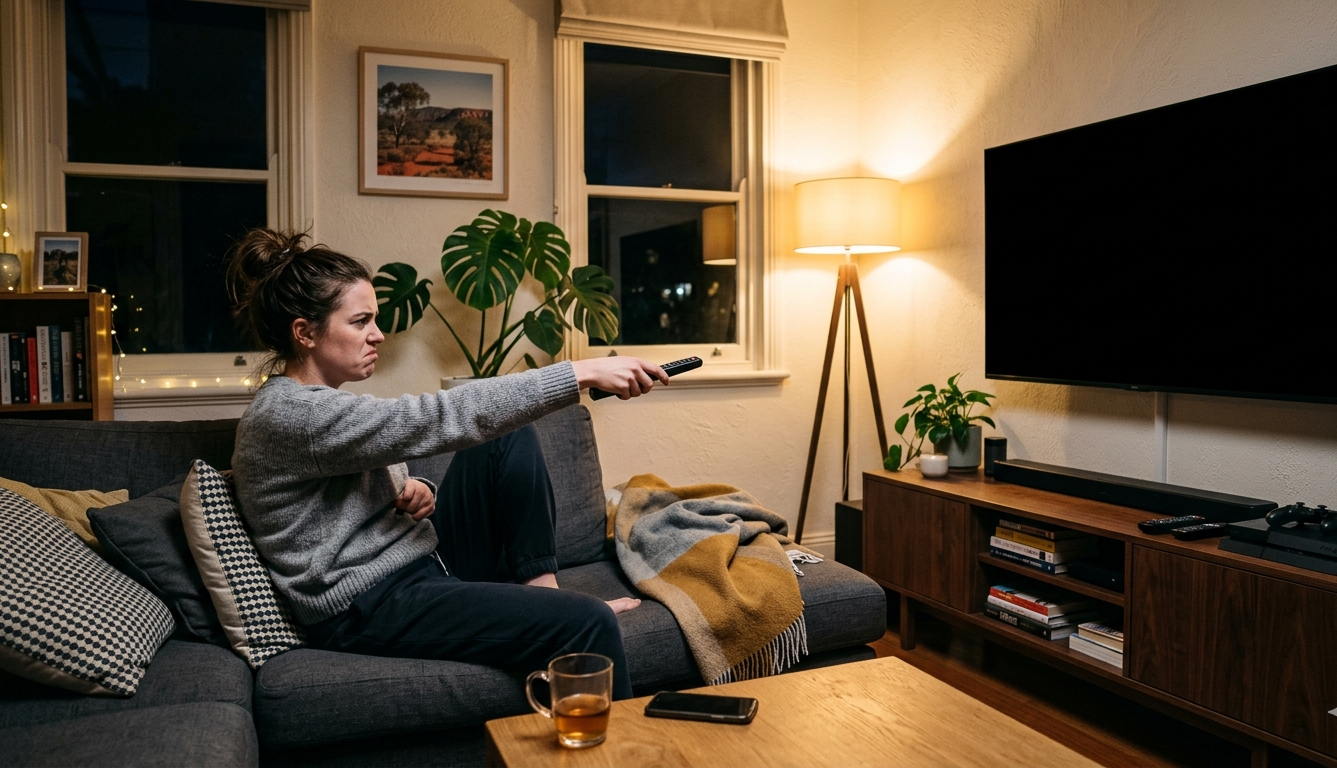
When your TV stops working, it can be genuinely frustrating — but don’t panic. Many common TV problems have simple causes that can be checked at home before spending a cent. Whether your screen has gone black, there’s no sound, or your smart TV keeps freezing, this guide from Brocky’s Electronics walks you through exactly what to do — step by step, without the stress.
There’s nothing worse than sitting down to relax and finding your TV completely unresponsive. The screen is black, the remote isn’t doing anything, or the picture looks completely wrong. It happens to a lot of people — and the good news is, it doesn’t always mean you need a brand new TV.
If your TV stops working Brocky’s Electronics offers professional TV repair, Sony warranty repairs, Samsung TV repair, Smart TV repair, and music gear repair across the Sunshine Coast from Unit 6/12 Newspaper Pl, Maroochydore QLD 4558. Before spending money on a replacement, it’s always worth getting a professional quote first.
Start Here — Basic Checks Before Anything Else
Before assuming the worst, run through these quick checks. A surprising number of TV problems come down to something very simple — and you can rule them out in just a few minutes.
Check the Power Connection
The number one reason a TV seems completely dead is a basic power problem — nothing to do with the TV itself.
- Make sure the power cord is firmly plugged in at both ends
- Try a different power socket — the one you’re using may have stopped working
- If using a power board, plug the TV directly into the wall instead
- Look for the standby light — if it’s red or orange, the TV has power but is on standby
- Press the power button on the TV itself, not just the remote
- Put fresh batteries in the remote — dead batteries are one of the most overlooked causes
Tip: If the standby light is blinking, count how many times it flashes. Many TVs use blink patterns to indicate an internal fault. Write it down — a TV repair technician will find this very helpful.
You Can Hear Sound but the Screen Is Black
If your TV is making sound but the display is completely dark, the backlight has most likely failed. The backlight is what illuminates the screen so the picture is visible.
How to Test Your Backlight at Home
Take a torch and hold it close to the screen in a dark room. If you can barely make out a picture, the backlight has gone. The good news — fixing a backlight is usually far cheaper than replacing the entire TV.
This is one of the most common TV repair issues seen in LED TVs that are a few years old. Samsung and Sony TVs are particularly known for this fault. A qualified technician can replace the backlight quickly and at a fraction of the cost of a new set.
The Picture Is Fine but There Is No Sound
Sound problems are often simpler than they look. Before calling a technician, check these first.
Quick Sound Fixes to Try
- Check the TV is not on mute and the volume is not at zero
- If a soundbar or external speakers are connected, check all cables
- Go into settings — the built-in speakers may have been accidentally turned off
- Try unplugging and replugging all audio connections
If everything checks out and there is still no sound, there may be a fault with the internal audio board. This is not something to attempt at home — a TV repair technician with the right diagnostic tools will identify and fix it correctly.
The Screen Looks Strange
Lines across the display, incorrect colours, only half the screen working, or a physically cracked panel — these are all different faults with different causes and different repair costs.
Common Screen Faults Explained
Lines running across the screen often point to a faulty T-Con board, which can usually be replaced at a reasonable cost. A cracked or physically damaged screen is a bigger repair job and sometimes the cost approaches that of a replacement TV — which is why getting a quote first is always the smart move.
If you have already checked the basics and your TV still will not respond, there could be a less obvious cause — read about common reasons why TVs stop turning on before moving to the next step
If you have a Samsung TV on the Sunshine Coast, a local Samsung TV repair quote from Brocky’s Electronics will tell you exactly what is wrong and what it will cost — no need to send it away or wait weeks for a response.
Smart TV Keeps Freezing or Crashing
Smart TVs run on software just like your phone or laptop, which means they can run into the same kinds of issues — freezing, crashing, and apps that refuse to open properly.
Step-by-Step Smart TV Troubleshooting
- Turn the TV off at the wall and leave it unplugged for 60 seconds, then restart
- Check settings for a software update and install it if one is available
- Delete the problem app and reinstall it fresh
- If using Wi-Fi, try plugging in an ethernet cable to rule out an internet issue
- If nothing works, perform a factory reset — but write down your passwords and settings first
Note: If the TV still freezes after a factory reset, the problem is most likely hardware — a failing internal component rather than software. That is the point to call a technician. Local Smart TV repair services on the Sunshine Coast can check both software and hardware in a single visit.
Got a Sony TV Under Warranty?
If your Sony TV is still under warranty, you may be entitled to a free repair. However, it is important to use an authorised repair centre — taking your TV to an unaccredited workshop can void your warranty entirely.
Why Choose an Authorised Sony Repairer
Brocky’s Electronics is an authorised Sony warranty repairer on the Sunshine Coast. That means local Sony TV owners can have their TV repaired using genuine Sony parts, right here — no shipping interstate, no long wait times, and no risk to your warranty.
When to Stop and Call a Technician Immediately
Some checks are perfectly safe to do at home. But certain signs mean you should stop and call a professional straight away.
Warning Signs You Should Never Ignore
- You can smell burning coming from the TV
- The TV is making popping or crackling sounds when switched on
- The screen is cracked or liquid is visibly spreading inside the display
- The TV keeps turning itself on and off without any input
- You have tried every basic fix and nothing has changed
Please do not attempt to open the TV and inspect the inside yourself. Even when unplugged, components inside a TV can hold a dangerous electrical charge. It is not worth the risk — let a trained technician handle it safely.
Should You Repair It or Buy a New One?
This is the question most people ask when their TV stops working. The honest answer depends on the age of the TV, what the fault is, and how the repair cost compares to buying a replacement.
A Simple Way to Decide
A useful rule of thumb — if the repair costs less than half the price of a comparable new TV, it is almost always worth fixing. Quality TVs are built to last, and one fault does not mean the whole unit is beyond saving.
Any reputable repair shop will provide a written quote before touching anything. That gives you all the information you need to make the right decision — with no pressure either way. Repairing instead of replacing also means less electronic waste, which is better for the environment and your wallet.
Local TV Repair Experts on the Sunshine Coast
If your TV has stopped working, take it one step at a time. Start with the basic checks in this guide, see what you find, and call a local specialist if you need help. Brocky’s Electronics is based at Unit 6/12 Newspaper Pl, Maroochydore QLD 4558, and offers TV repair, Sony warranty repairs, Samsung TV repair, Smart TV repair, valve amplifier repair, and music gear repair across the Sunshine Coast.
For handy tips and updates, follow Brocky’s Electronics on Facebook. A TV that stops working does not have to mean buying a new one — the right repair can save you a significant amount of money.
FAQs
1. Why is my TV on but the screen is completely black?
The most likely cause is a failed backlight. Do the torch test — hold a light close to the screen in a dark room. If you can barely see a picture, the backlight has gone. This is usually a straightforward repair that costs much less than a new TV.
2. How much does it cost to repair a TV in Australia?
It depends on the fault and the model. Small repairs are generally quite affordable. Bigger jobs like a main board or backlight replacement cost more but are still often cheaper than a new TV. A good repairer will always give you a quote first.
3. Can a freezing smart TV be fixed?
Yes, often it can. A factory reset or software update fixes many freezing issues. If the problem keeps happening, there may be a hardware fault — a technician can diagnose and fix that too.
4. Does Brocky’s Electronics fix Samsung TVs on the Sunshine Coast?
Yes. Brocky’s Electronics repairs Samsung TVs at their Maroochydore workshop, covering black screens, backlight faults, board issues, and software problems across the Sunshine Coast.
5. My Sony TV is under warranty — where should I take it?
Take it to an authorised Sony warranty repair centre. Brocky’s Electronics is an authorised Sony warranty repairer on the Sunshine Coast and uses genuine Sony parts.