
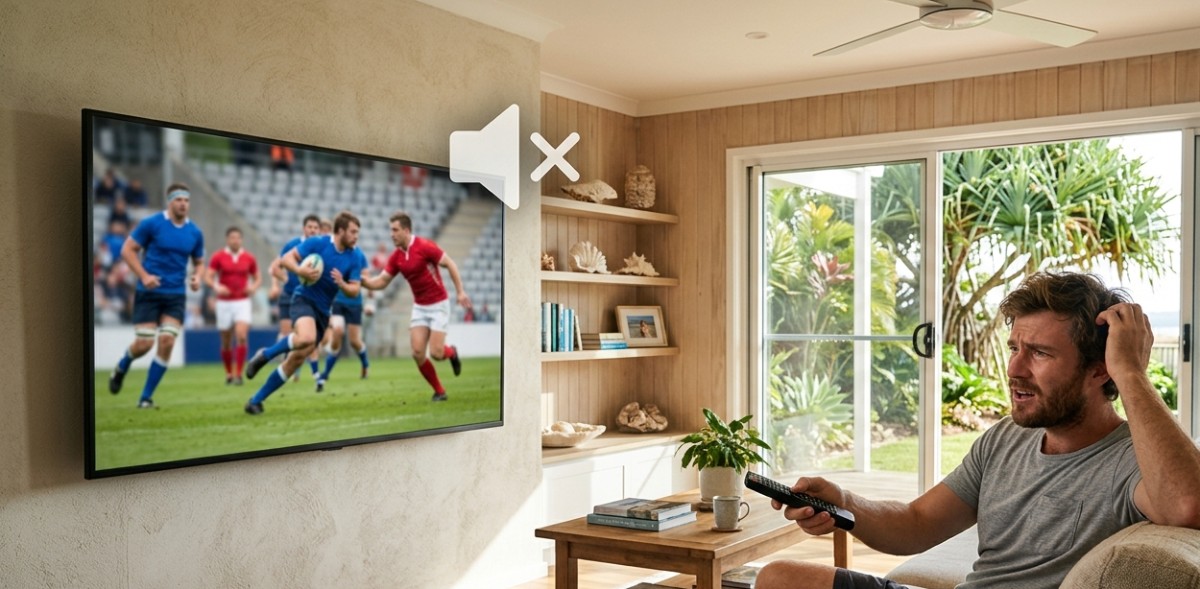
You settle in for the footy, the picture is crystal clear, and the commentary is nowhere to be heard. A TV that has picture but no sound is a frustrating fault, but it’s rarely as bad as it feels. Many cases come down to a setting, a soundbar connection or a muted input, and a quick check can save you a callout. If it turns out to be a real fault, TV sound repair Sunshine Coast households trust is just a call away. Here’s what to check first, what usually causes TV no sound problems, and when to call a technician.
Start With the Simple Checks
Before you assume the speakers have died, run through these basics:
- Volume and mute: Check the TV, the remote and any soundbar. It’s easy to hit mute without noticing
- Another channel or input: If only one channel is silent, the fault is with that source, not your TV
- Headphones or Bluetooth: Some TVs send sound to a paired Bluetooth device or headphones, which silences the speakers
- Audio output setting: Make sure the TV is set to its internal speakers, or to the right output if you use a soundbar
- Restart: Switch the TV off at the wall for a minute, then back on
TV Has Picture But No Sound: Check Your Soundbar and HDMI Connection
If you use a soundbar or home theatre system, the connection is the most common culprit. It’s also where many people get stuck.
Use the Right HDMI Port
Asurion’s soundbar troubleshooting guide points out the first thing to check: make sure the cable is plugged into your TV’s ARC HDMI port, not a standard one. Then confirm the soundbar’s HDMI connection too. HDMI carries both picture and audio on one cable, so a wrong port can give you a picture without sound.
Check the Audio Output and CEC Settings
Two settings matter here:
- Audio output: Set the TV’s audio output to ARC (or the soundbar option). The menu name varies by brand
- CEC: Enable it in your TV’s settings. Brands call it different things, like Anynet+, Bravia Sync or SimpLink
Restart Both Devices
Switch off the TV and soundbar, unplug them for a minute, then power the TV on first and the soundbar second. It sounds too simple, but it resets the connection between them. If a soundbar still stays silent, a certified high-speed HDMI cable, a firmware update or an optical audio cable as a temporary fallback are the next things to try.
Common Causes of TV No Sound
When the settings all check out, the fault is usually one of these:
- Wrong audio output setting (speakers vs soundbar vs Bluetooth)
- Faulty HDMI cable or port
- A software glitch that a restart or update can clear
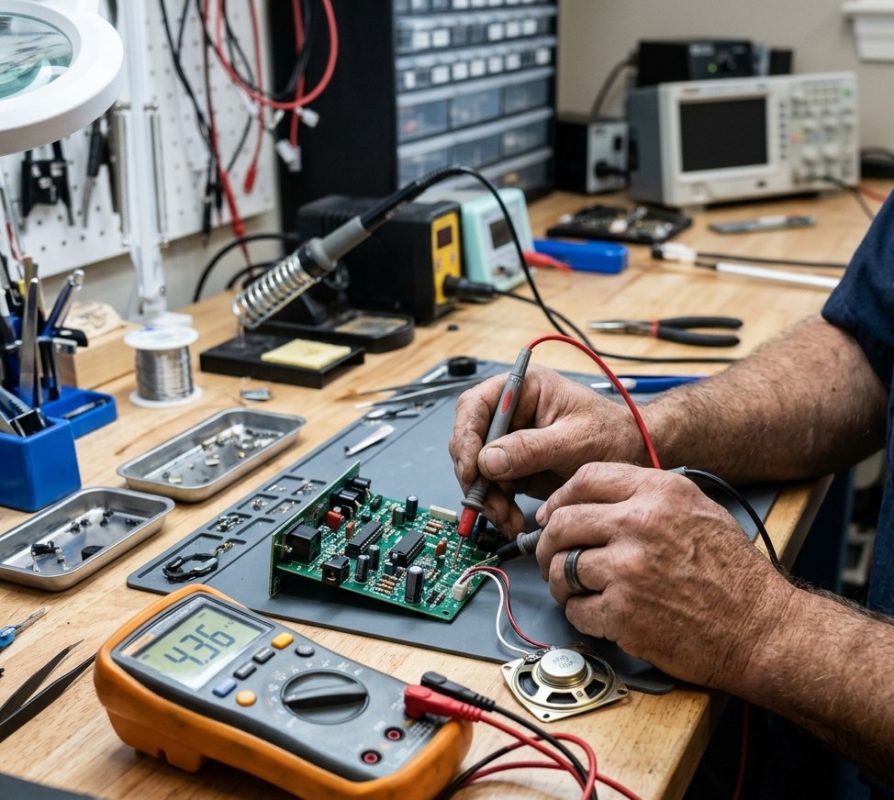
- Failed internal speakers, often with crackling or distortion beforehand
- A faulty audio board or main board
- Power surge or storm damage
- Moisture from humid coastal air
If the opposite is happening, with sound but a dark screen, see our guide on why your TV screen is dark but still has sound.
What Not to Do
Don’t take the back off the TV to look around. TVs hold dangerous voltages inside, even when unplugged. Settings, cables and restarts are safe to try. Anything inside the TV is a job for a technician.
When to Book TV Sound Repair Sunshine Coast
Book a repair if you’ve tried the checks and:
- There’s still no sound from the TV speakers, a soundbar or headphones
- The sound crackles, cuts out or is distorted
- The TV also has other faults, like flickering or random shutdowns
- The problem started after a storm, a power surge or a spill
- It happens on every channel and every input
Our TV sound repair Sunshine Coast service covers screen, sound, connectivity and power faults across major brands. If the TV is older and you’re wondering whether repair makes sense, our guide on whether to repair or replace your TV can help you decide. For other faults, our TV not working repair guide is a good next read.
Why Sunshine Coast Locals Choose Brocky’s Electronics
At Brocky’s Electronics, based in Maroochydore, we repair TVs from Sony, Panasonic, Hisense and other major brands, along with amplifiers, mixers and other music gear. We explain what’s wrong in plain English, and we’ll tell you honestly if a repair isn’t worthwhile. See what local customers say on our Google Business Profile.
FAQs
1. Why does my TV have picture but no sound?
Usually a muted volume, a wrong audio output setting or a soundbar connection issue. If those are fine, a speaker or audio board fault is likely.
2. Why is there no sound through my soundbar?
Check that the cable is in the TV’s ARC HDMI port, the audio output is set to ARC, and CEC is enabled. Then restart both devices.
3. Can a software glitch cause TV no sound?
Yes. A restart or firmware update often fixes it.
4. Is it worth repairing a TV with no sound?
Often, yes. A technician can diagnose the fault and tell you whether repair makes sense.
5. Can I fix a TV with no sound myself?
You can safely check settings, cables and restarts. Opening the TV is best left to a technician.
Final Thoughts
A TV that has picture but no sound is annoying, but it isn’t always serious. A quick look at the volume, audio output and soundbar connection solves plenty of cases. If the silence stays, don’t risk making it worse. Ready to hear your TV properly again? Contact us today or book a repair online and we’ll get your sound back.