
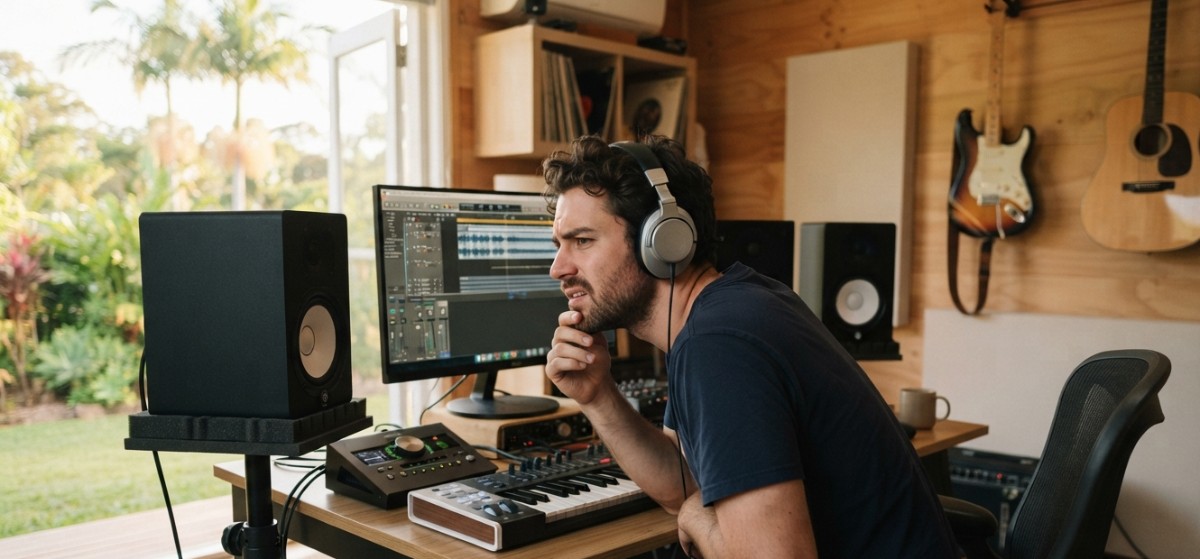
You hit play and, before a single note, there it is: a low, annoying hum. Studio monitors humming is one of the most common problems in home studios, bedroom setups and project rooms, and it can ruin a mix before you’ve even started. The good news is that most hum comes from the way the gear is wired or powered, not from a dead speaker. If it does turn out to be a fault, studio monitor repair Sunshine Coast musicians and producers trust is close by. Here’s what causes the hum, what to check first and when to call in a technician.
Why Are My Studio Monitors Humming?
Hum is usually electrical noise getting into the signal. The most common causes are:
- Ground loops: the biggest culprit in most studios
- Mismatched or poor cables: especially where balanced and unbalanced gear are mixed
- Dirty or shared power: noise on the same circuit as other equipment
- Interference: from lighting dimmers, chargers or nearby electronics
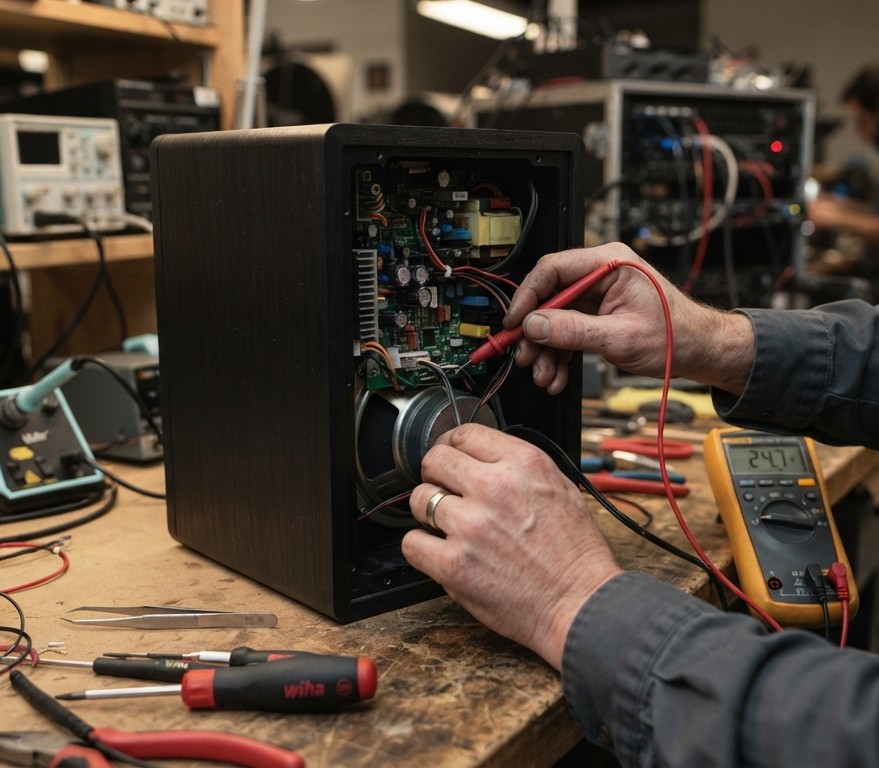
- A fault inside the monitor: a failing power supply or amplifier board
Ground Loops
A ground loop happens when two or more mains-powered devices are connected through their cable shields but plugged into sockets with slightly different earth voltages. As Sound On Sound explains in its guide to solving ground loops, current then flows around the loop and can add audible hum to your signal.
Cables and Connections
Balanced cables are designed to reject noise. Hum problems often appear when balanced gear gets connected to unbalanced equipment. A cheap or damaged cable can do the same.
Power Problems
Sweetwater points out that the power in a room can be “very dirty,” causing noise in the speakers. If you’ve recently moved or changed your setup, a different circuit may make all the difference.
Simple Checks for Studio Monitors Humming
Before booking a repair, try these checks in order:
- Unplug the audio cable from the monitor. If the hum stops, the noise is coming from upstream (your interface, computer or cables). If it stays, it’s the monitor or the power
- Plug everything into the same power board. Sound On Sound notes that sharing one outlet gives your gear one earth connection, which removes the voltage difference that drives a ground loop
- Swap the cables for good-quality balanced ones
- Try a different power circuit, or move the monitors to another room
- Unplug the laptop charger, which is a common source of hum
- Move noisy devices away: dimmers, wall chargers and Wi-Fi routers
- Swap left and right monitors to see if the hum follows one speaker
A safety note: never lift the earth pin on a plug or use “cheater” adaptors to cure hum. Sound On Sound warns that careless grounding fixes can be dangerous. And don’t open the monitor. Powered monitors have mains voltage inside, even when they’re switched off.
Studio Monitors Not Working at All?
Hum is often the first sign of a bigger fault. If your studio monitors are not working properly, watch for these:
- No sound from one or both monitors
- The power light is off, or flickering
- Constant buzzing at any volume
- Crackling or distortion that stays after a cable swap
- A burning smell or visible damage
If a speaker crackles but isn’t a studio monitor, our guide on why a speaker crackles covers the usual suspects. And if the hum is coming from an amp instead, see why a valve amp hums or buzzes.
When to Book Studio Monitor Repair Sunshine Coast
If you’ve worked through the checks and the monitors still hum or won’t work, it’s time for a technician. Our studio monitor repair Sunshine Coast service covers studio monitors, audio interfaces, effects units, synthesizers and amps. We also repair speakers, mixers and microphones through our audio equipment repair service. We’ll test the monitor, find the fault and tell you honestly whether a repair makes sense.
Why Sunshine Coast Musicians Choose Brocky’s Electronics
At Brocky’s Electronics, our workshop is in Maroochydore, and we look after audio and music equipment for local musicians, producers and bands. Every repair comes with a 12-month warranty covering assessment, parts and labour. You can book online through our repair request form, and see what customers say on our Google Business Profile.
FAQs
1. Why are my studio monitors humming?
Usually a ground loop, a poor cable or noisy power. A fault inside the monitor is also possible.
2. How do I stop studio monitors humming
Plug everything into one power board, use balanced cables and try a different circuit. Unplug the audio cable to see if the hum stays.
3. Why is only one of my studio monitors humming?
The fault may be in that monitor, its cable or its input. Swap the left and right monitors to see if the hum follows.
4. Can a humming studio monitor be repaired?
Often, yes. A technician can test the power supply and amplifier and find the fault.
5. Is it safe to use humming studio monitors?
A mild hum from a ground loop isn’t dangerous, but a burning smell or damage is. Switch them off and get them checked.
Final Thoughts
Studio monitors humming is almost always a wiring or power problem you can track down with a few careful checks. But if the hum stays, or your monitors stop working, don’t keep pushing them. Contact us today or book a repair online and we’ll get your monitors sounding clean again.