
Your DJ equipment is more than just gear, it’s your livelihood, your creative tool, and often a serious financial investment. Whether you’re spinning at weddings in Noosa, club nights in Maroochydore, or private events across the Sunshine Coast, one thing is certain: poorly maintained gear will let you down at the worst possible moment.
The good news is that with some simple habits and the right professional support, your DJ equipment can perform reliably for years. At Brocky’s Electronics, we’ve repaired and serviced hundreds of DJ setups across the Sunshine Coast, and we know exactly what separates gear that lasts from gear that fails mid-set.
Here’s our complete guide to keeping your setup in top shape.
Why DJ Equipment Maintenance Matters
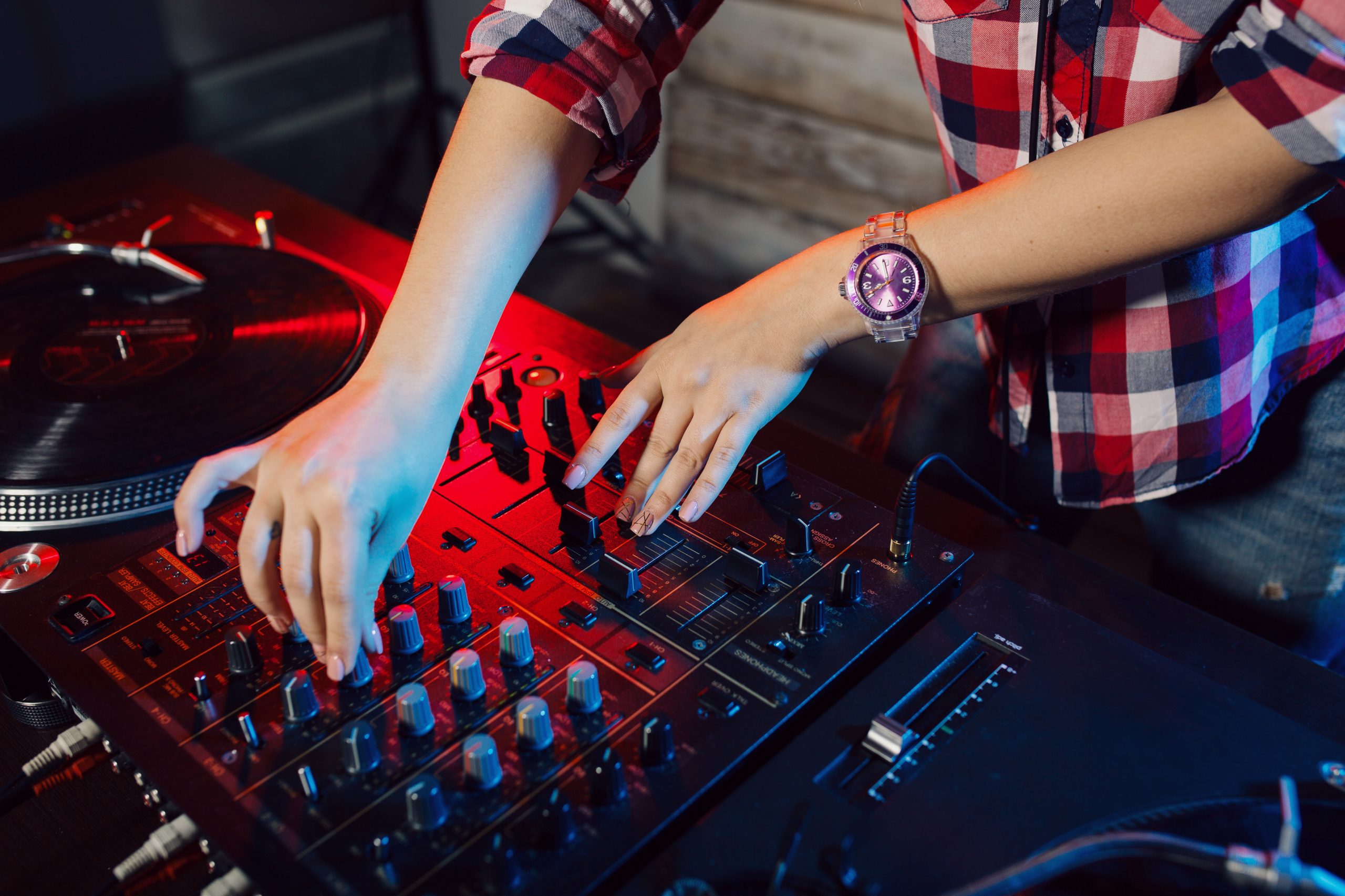
As explained on Wikipedia’s overview of the DJ mixer, modern DJ setups involve highly sensitive audio mixing consoles with crossfaders, channel faders, EQ controls, and USB interfaces, all of which are subject to wear and tear with regular use. Neglecting maintenance doesn’t just affect sound quality, it shortens the life of expensive components and increases the likelihood of a costly breakdown right when you need your gear most.
Routine care is far cheaper than emergency repairs, and in most cases, it’s straightforward to do yourself.
Essential DJ Equipment Maintenance Tips
1. Clean Your Gear After Every Gig
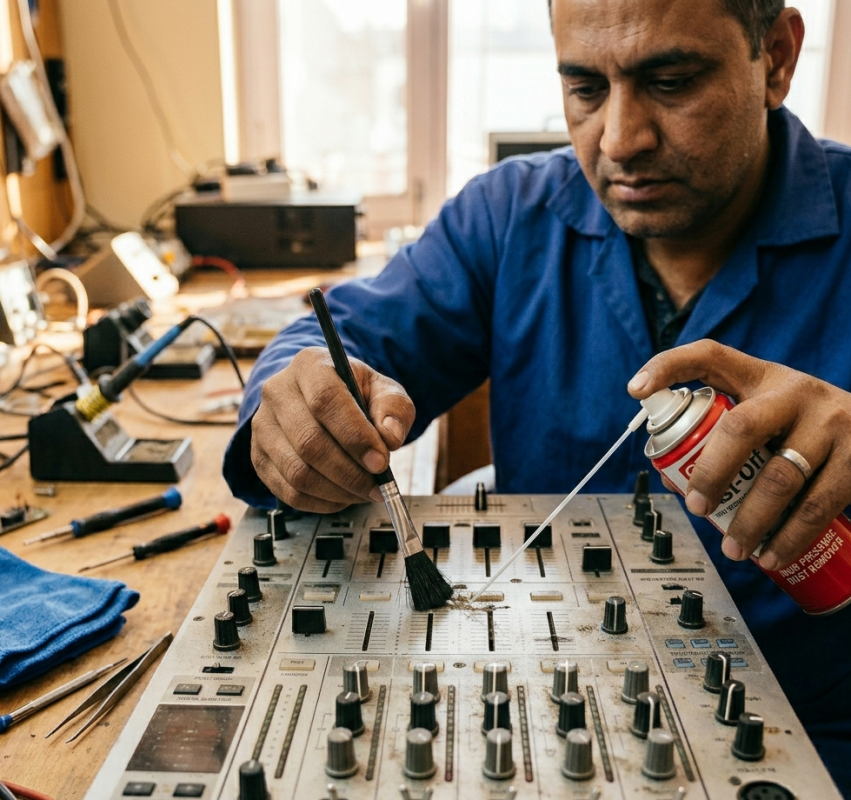
Dust, sweat, drink spills, and general grime from venues are the silent killers of DJ equipment. Fader tracks collect debris, buttons stick, and ports corrode over time if not cleaned regularly.
What to do after every gig:
- Wipe down all surfaces with a soft, dry microfibre cloth
- Use compressed air to blow dust out of fader tracks, knobs, and vents
- For stubborn grime, apply isopropyl alcohol (70% or higher) lightly to a cloth, never directly onto the unit
- Clean USB ports and connector jacks gently with a dry cotton swab
2. Store Equipment Properly Between Gigs
How you store your gear between gigs matters just as much as how you use it. Queensland’s heat and humidity can do real damage to electronics left in poor storage conditions.
Good storage habits include:
- Using padded, hard-shell cases for mixers, controllers, and turntables
- Keeping gear in a cool, dry space away from direct sunlight and moisture
- Coiling cables using the over-under method to prevent internal wire damage
- Storing speakers and monitors upright in padded bags or covers
3. Protect Your Setup From Power Surges
A sudden power spike can destroy the internal components of a mixer or controller in an instant, and it happens more often than you’d think, especially at older venues. This is one of the most common causes of DJ equipment failure we see at our Sunshine Coast workshop.
Always use a quality surge protector or power conditioner at every setup. For extra protection, consider a portable UPS (Uninterruptible Power Supply) that keeps your gear running safely even during brief power fluctuations.
4. Handle and Transport With Care
Internal circuit damage from drops and bumps is often invisible from the outside but causes real performance problems down the track. A mixer that took a knock in the back of a van might seem fine for a few gigs before the fault shows itself at exactly the wrong moment.
Smart transport habits:
- Invest in custom-cut foam inserts for your road cases
- Always disconnect and secure cables before moving equipment
- Never stack heavy items on top of controllers or mixers during transport
- Use dedicated speaker bags or padded covers for monitors and PA speakers
5. Inspect Cables and Connectors Regularly
Cables are the most replaced item in any DJ setup, and for good reason. Frayed insulation, bent pins, and loose RCA connectors cause signal dropouts, distortion, and audio interference that can ruin a set.
Get into the habit of:
- Checking every cable for wear before and after each gig
- Replacing low-quality cables with high-grade audio and power alternatives
- Labelling cables to track their usage and age
- Never pulling a cable out by the cord, always grip the connector
6. Keep Firmware and Software Updated
Modern DJ equipment relies heavily on firmware and software to function correctly. Outdated firmware on your controller or mixer can cause compatibility issues with DJ software like Serato, Traktor, or Rekordbox, leading to unexpected crashes or performance glitches mid-set.
Check the manufacturer’s website regularly for firmware updates, and always back up your settings and cue points before installing any update.
Warning Signs Your DJ Equipment Needs Professional Attention
Even with great maintenance habits, faults happen. Catching them early saves you money and prevents a full breakdown. Watch out for these warning signs:
- Intermittent signal drops or sudden audio cutouts
- Crossfader or channel faders feeling sticky, loose, or unresponsive
- Unusual buzzing, hum, or static through your speakers
- Unexpected freezes or restarts on digital controllers
- USB ports or inputs not recognising connected devices
- Any physical damage to jacks, knobs, or housing after a drop
If you’re experiencing any of these, it’s time to book a professional inspection. Our dedicated DJ equipment repair service on the Sunshine Coast is specifically designed to diagnose and fix these kinds of faults quickly and reliably.
For broader guidance on professional DJ gear servicing, the team at Disco Techs also provides useful industry-standard maintenance advice worth reading alongside this guide.
When to Book a Professional Service
Routine self-maintenance keeps your gear clean and protected, but it doesn’t replace professional servicing. We recommend booking a technician when:
- Your gear is more than two years old and hasn’t been serviced
- You’ve noticed performance changes you can’t explain
- You’re preparing for a high-profile or high-stakes event
- You’ve dropped or knocked your equipment
- Any repair or internal issue is beyond basic cleaning
If your gear issues go beyond DJ equipment and extend to other electronics, our team handles everything from television repair on the Sunshine Coast to valve amplifiers and home theatre setups.
You can also take a look at our guide on how to troubleshoot common TV issues at home for useful DIY troubleshooting tips that apply to audio and video equipment alike.
See what our Sunshine Coast customers think of our work by reading reviews from our happy customers before you book.
Book Your DJ Equipment Service at Brocky’s Electronics
Don’t wait for a breakdown to take action. Whether it’s a routine clean and inspect or a full repair, the team at Brocky’s Electronics is here to help keep your DJ equipment performing at its best.
Explore our full range of repair and servicing options at Brocky’s Electronics, including music equipment repair, valve amplifier servicing, and more.
Visit us at Shop 6/12 Newspaper Place, Maroochydore QLD 4558, call us on 1800 544 644 or text 0422 394 174, Monday to Friday between 8:30am and 4:00pm.
Contact us today to book your DJ equipment inspection or get a no-obligation repair quote.
FAQs
1. How often should my DJ equipment be professionally serviced?
At least once a year, or before any major event. Regular servicing catches small faults before they become expensive problems.
2. Can I clean my DJ mixer faders myself?
Yes, carefully. Use compressed air and isopropyl alcohol on a cloth for external cleaning. If the fader feels scratchy or unresponsive, a professional re-lube is the safer option.
3. What causes crossfaders to become sticky or scratchy?
Dust, debris, and general wear. Crossfaders have a limited lifespan and will eventually need replacing, especially on heavily used gear.
4. Is it worth repairing DJ equipment or just replacing it?
Repair is almost always more cost-effective, especially for quality brands like Pioneer, Allen & Heath, or Rane. We assess everything honestly before any work begins.
5. How long does a repair take?
Most repairs are done within 3 to 7 business days. We’ll always confirm the timeframe before starting any work.