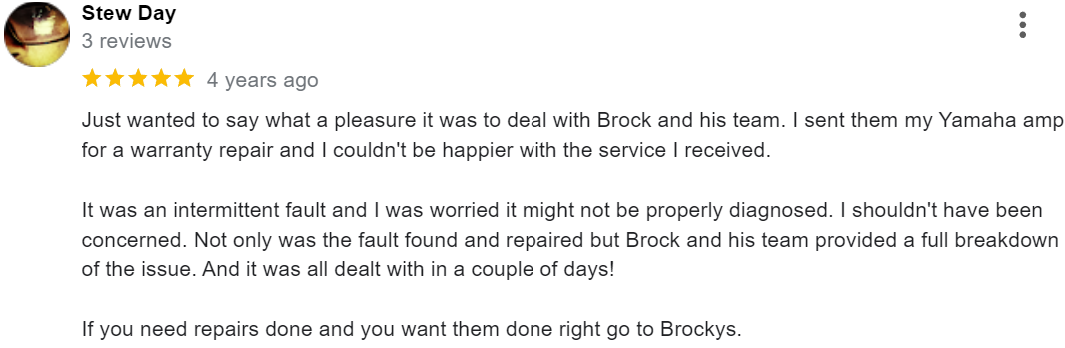

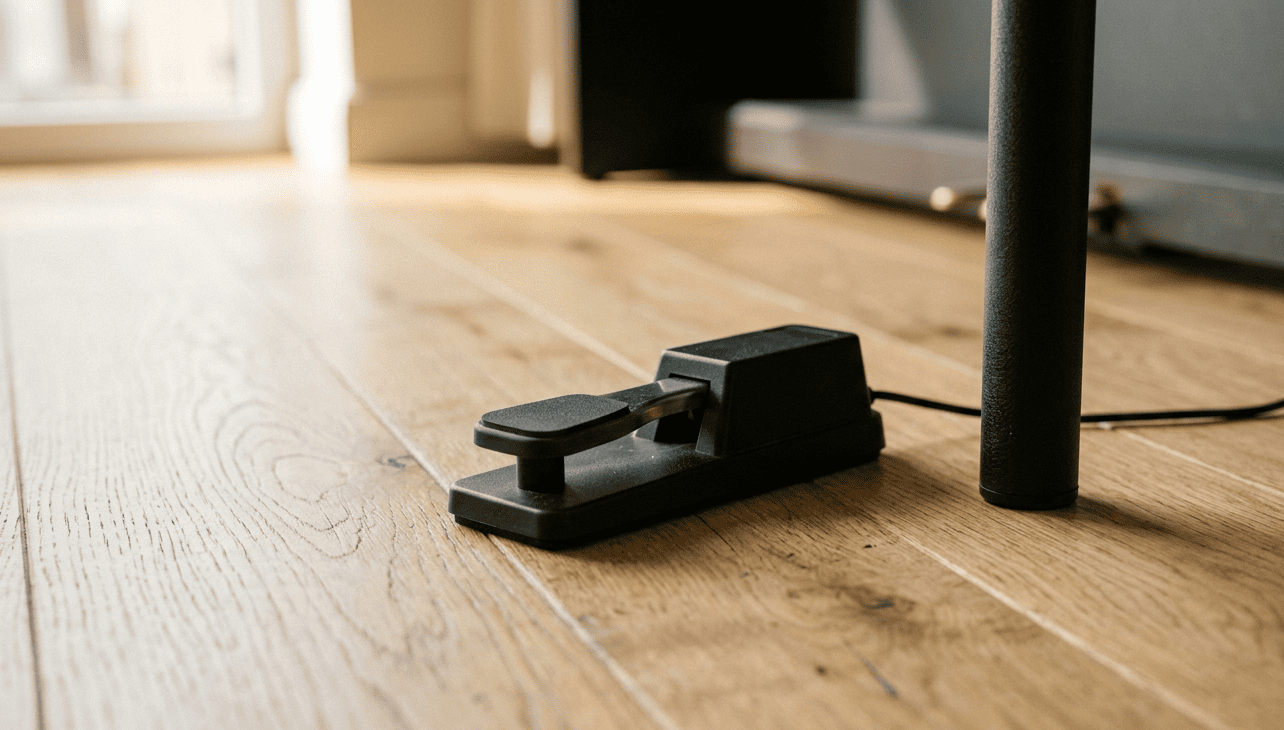
For any pianist, digital piano pedals are an essential part of the playing experience. The sustain pedal alone transforms how a piece sounds, and when it stops working mid-practice or mid-performance, it’s genuinely frustrating. The good news is that many digital piano pedal faults are straightforward to diagnose, and some are fixable at home with a few simple checks.
At Brocky’s Electronics, we service digital pianos across the Sunshine Coast regularly, and pedal faults are among the most common issues we see. Here’s a clear breakdown of what causes them and exactly what to do about it.
The Most Common Digital Piano Pedal Problems
1. The Sustain Pedal Is Doing the Opposite of What It Should
This is one of the most reported digital piano pedal issues we come across, and it’s almost always caused by the pedal being connected or switched on in the wrong order. If your sustain pedal holds notes when released and cuts them off when pressed, the polarity is reversed.
What to do:
- Power the piano off completely
- Unplug the sustain pedal from the instrument
- Plug the pedal back in while the piano is powered off
- Power the piano back on with the pedal unplugged, then press and hold the pedal before switching the instrument on
Most digital pianos read the pedal’s resting state at startup. If the pedal is pressed during boot, the instrument reads that as the default position and reverses the logic. This fix resolves the issue in the majority of cases.
If your pedal has a polarity switch on the underside, check that it’s set correctly for your instrument model.
2. Sustain Pedal Has No Effect at All
If pressing the sustain pedal produces no response whatsoever, the fault is usually one of three things: a damaged cable, a dirty or faulty jack connection, or an internal fault in the pedal itself.
What to check:
- Inspect the pedal cable for visible kinks, fraying, or damage near the connector ends
- Unplug and firmly reseat the pedal connector into the piano’s jack socket
- Try a different sustain pedal if one is available to determine whether the fault is in the pedal or the piano
- Check that the correct jack socket is being used, some digital pianos have separate inputs for sustain, sostenuto, and soft pedals
If a replacement pedal works correctly, the original pedal needs replacing. If the replacement also fails, the jack socket or internal pedal circuitry on the piano itself needs professional assessment.
3. Pedal Works Intermittently or Cuts In and Out
Intermittent digital piano pedal response is usually a connection issue rather than a complete component failure. It’s one of the more frustrating faults because it’s unpredictable and difficult to replicate consistently.
Common causes:
- A worn or partially broken cable that loses continuity when moved
- A dirty or corroded jack socket on the piano
- A loose internal connection inside the pedal unit itself
What to try:
- Wiggle the cable gently near both ends while pressing the pedal, if the response changes, the cable is failing
- Clean the jack socket with a small amount of electronics-grade contact cleaner on a jack plug
- If the pedal uses a separate cable, try replacing the cable before replacing the pedal unit
4. Triple Pedal Unit Not Functioning Correctly
Many stage and mid-range digital pianos include a triple pedal unit covering sustain, sostenuto, and soft functions. When one or more of these stops responding, the cause is often a connector fault, a firmware issue, or physical damage to the pedal mechanism itself.
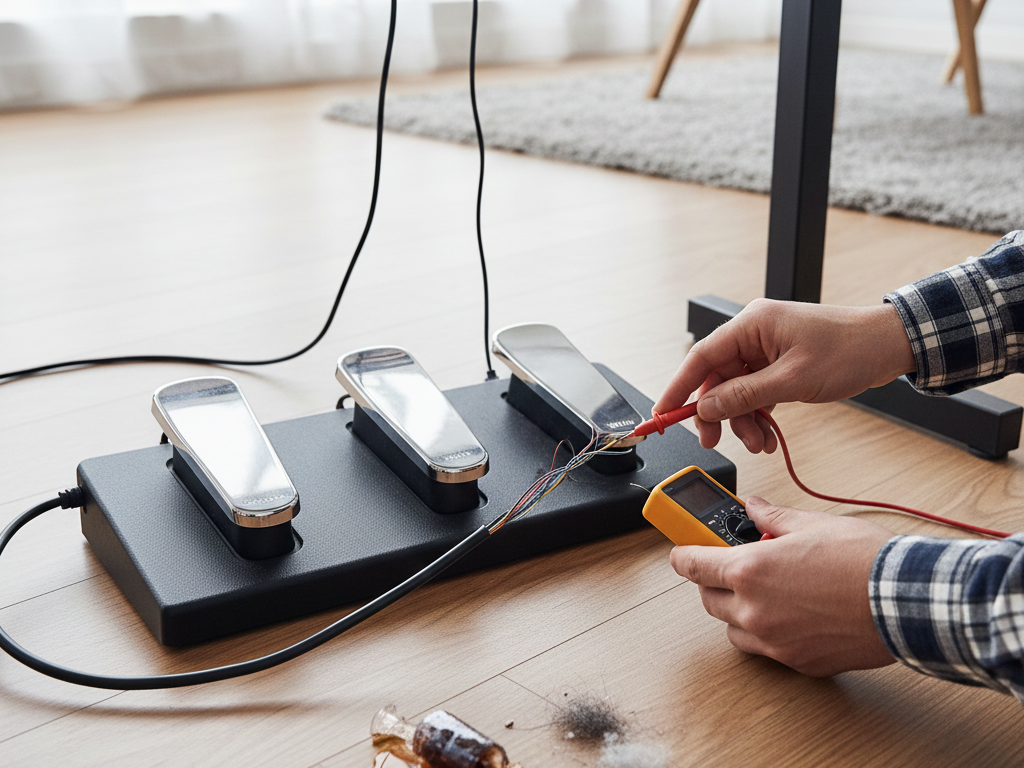
What to check:
- Confirm the triple pedal unit is connected using the correct proprietary connector, not a standard jack
- Check the connector for bent pins or debris inside the socket
- Test whether all three pedals are affected or just one, as isolated faults point to mechanical damage rather than a connection issue
- Perform a factory reset on the piano to rule out a firmware or settings fault
If individual pedal mechanisms are physically broken or the internal ribbon cable connecting the unit to the piano is damaged, professional digital piano repair is needed. As anyone who has looked into the mechanics of how piano pedals actually work will know, the sostenuto mechanism in particular is more complex than most players realise, and physical damage to that mechanism needs proper hands-on repair.
5. Pedal Feels Physically Loose, Stiff, or Unresponsive
A digital piano pedal that feels wrong underfoot, too stiff, too loose, or that doesn’t spring back correctly, usually has a mechanical fault rather than an electrical one.
What causes it:
- A worn or broken internal spring mechanism
- Physical damage from impact or heavy use
- Debris caught inside the pedal housing
What to try:
- Check underneath the pedal housing for any visible obstruction
- If the pedal attaches to a sustain unit or pedal board, check that the mounting hardware is secure
- Avoid forcing a stiff pedal, as this can cause further internal damage
Mechanical pedal faults that don’t resolve with basic checks need professional assessment. Attempting to disassemble a triple pedal unit without the right tools and knowledge risks damaging the housing and internal components.
When to Stop Troubleshooting and Call a Professional
Some digital piano pedal faults are simple enough to resolve yourself. But these are clear signs the issue needs professional digital piano repair:
- The fault persists after trying a known-working replacement pedal
- The jack socket feels loose, damaged, or doesn’t hold the connector firmly
- A triple pedal unit has physically broken mechanisms
- The fault appeared after the piano was dropped or moved roughly
- Internal ribbon cables or connectors are visibly damaged
If your piano has additional issues beyond the pedals, such as keys that aren’t responding correctly, digital piano keys not working covers the most common causes in detail.
If your household also has television faults that need attention, television repair on the Sunshine Coast is handled by the same experienced local team.
For further reading on pedal care and maintenance from a trusted musician resource, Sweetwater’s guide to digital piano pedals covers compatibility, polarity, and setup in depth.
Why Sunshine Coast Musicians Trust Brocky’s Electronics
We’re a local workshop, not a mail-away repair centre. When you bring your digital piano to us, a qualified technician with real hands-on experience across all major brands assesses it honestly and talks you through every option before any work begins.
Here’s what you get with every repair at Brocky’s Electronics:
- Experienced technicians across Yamaha, Roland, Kawai, Casio, Korg, and Nord
- Honest assessment, we’ll tell you if a simple cable swap is all you need
- Fast turnaround, because we know you can’t be without your instrument
- Genuine replacement parts wherever possible
- Transparent, upfront pricing with no surprises
We’ll let the locals we’ve helped do the talking.
Book Your Digital Piano Repair Today
Don’t let a pedal fault interrupt your playing. Whether it’s a simple polarity fix or a full internal repair, the team at Brocky’s Electronics is ready to help.
From digital piano pedal repairs to valve amplifiers, televisions, and mixing consoles, you can find everything we do at Brocky’s Electronics.
Contact Brocky’s Electronics today and we’ll have your piano assessed and back in playing condition as soon as possible.
FAQs
1. Why is my sustain pedal doing the opposite of what it should?
The polarity is reversed. Power the piano off, unplug the pedal, then power back on before reconnecting. Most digital pianos read pedal state at startup.
2. Can I use any sustain pedal with my digital piano?
Most standard sustain pedals work, but polarity compatibility varies by brand. Check your piano’s manual for recommended pedal specifications.
3. Why does my pedal work sometimes but not others?
Intermittent response usually means a failing cable or dirty jack socket. Try wiggling the cable near both ends to confirm, then replace the cable or clean the socket.
4. My triple pedal unit stopped working after moving the piano. What happened?
The proprietary connector likely came loose during the move. Check the connector seating first, then inspect for bent pins or visible damage.
5. Is it worth repairing a digital piano pedal fault professionally?
Yes, particularly if the fault is in the piano’s jack socket or internal circuitry. A professional repair costs significantly less than replacing the instrument.